
Post-production that saves you time -- proxy workflows, codec choices, render settings and the fixes for what actually goes wrong.
Edit Video for Promotional Content
Learn how to edit video for promotional content with tips on timelines, proxies, captions, and platform-specific formats for effective marketing videos.
Read the story →Also this week
More stories
Best Video Editing Gear for Live Streaming in 2026
Discover the best video editing gear for live streaming, including top capture cards and hardware to enhance your stream quality and workflow.
Documentary Video Editing Techniques
Learn documentary video editing techniques including proxy workflows, timeline settings, codecs, and color grading for smoother, high-quality edits.
Export Video for Different Platforms: Best Settings Guide
Learn how to export video for different platforms with optimal settings for frame rate, resolution, color, and format to ensure quality delivery.
Beginner Video Editing Apps Comparison: CapCut vs iMovie
Compare beginner video editing apps CapCut and iMovie to find the best fit for social videos or Mac users starting out with editing.
Video Editing Proxies for Beginners: Tips and Best Practices
Learn video editing proxies for beginners with tips on codecs, resolutions, and workflows to optimize editing performance and quality.
Edit Video for Fundraising Campaigns
Learn how to edit video for fundraising campaigns with tips on storytelling, call to action, formats, and budget-friendly editing techniques.
Post Production Budgeting for Video Editing
Learn how to create a post production budget for video editing, covering labor, proxies, codecs, color grading, and delivery requirements.
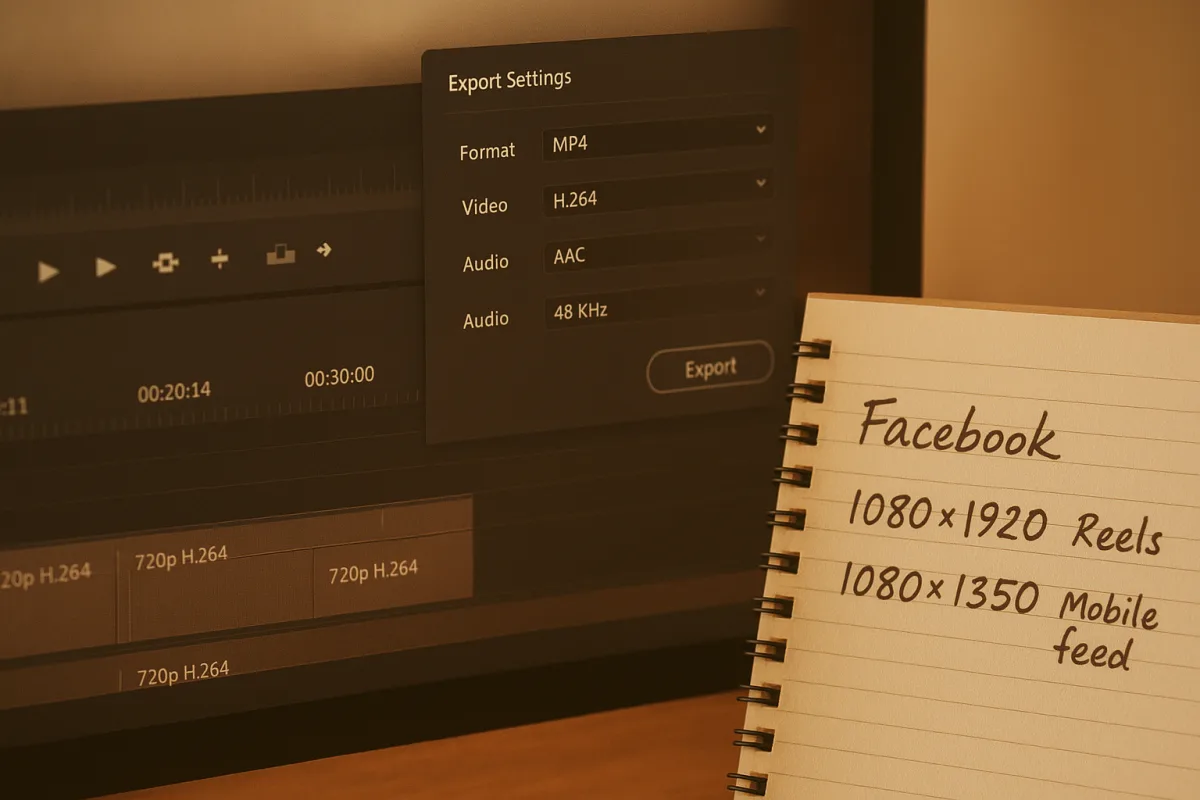
Best Video Editing Settings for Facebook in 2026
Learn the best video editing settings for Facebook including aspect ratios, codecs, proxies, and color grading to optimize your videos for 2026.
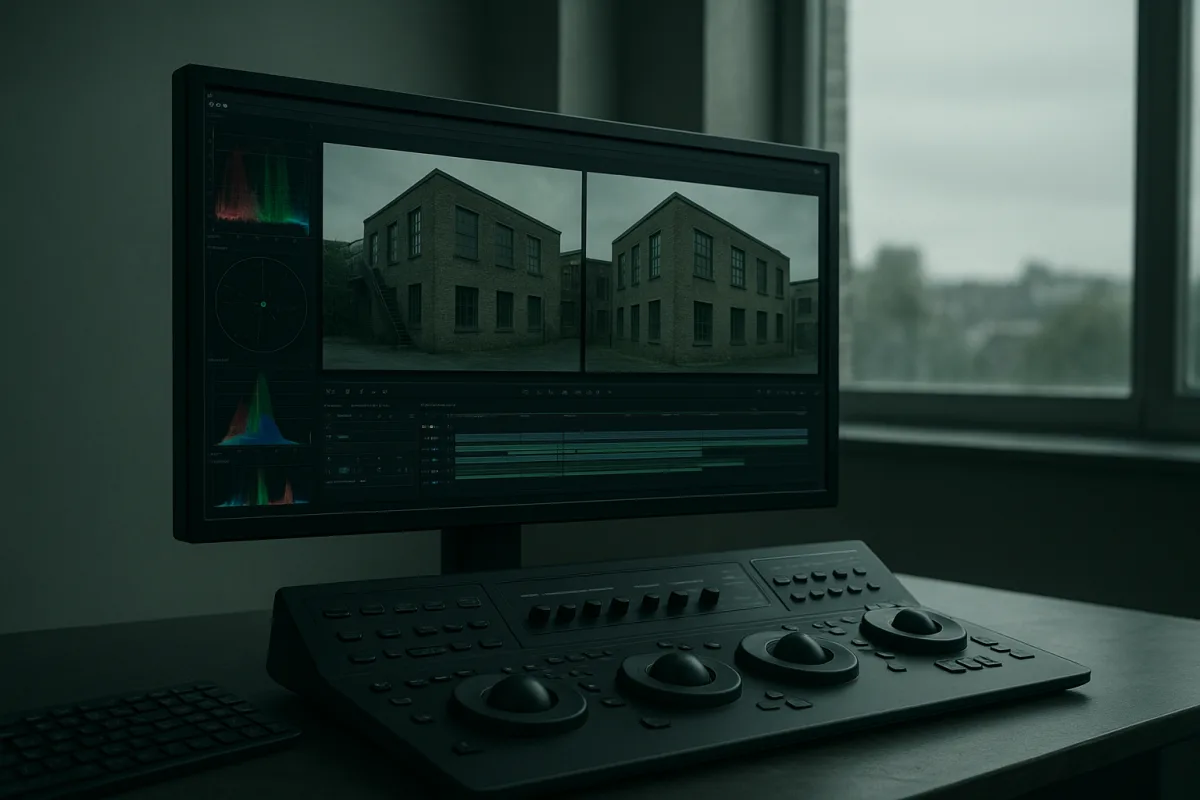
Fix Color Grading Mistakes: Tips for Accurate Video Grading
Learn how to fix color grading mistakes with tips on exposure, white balance, proxies, and shot matching for accurate video color correction.
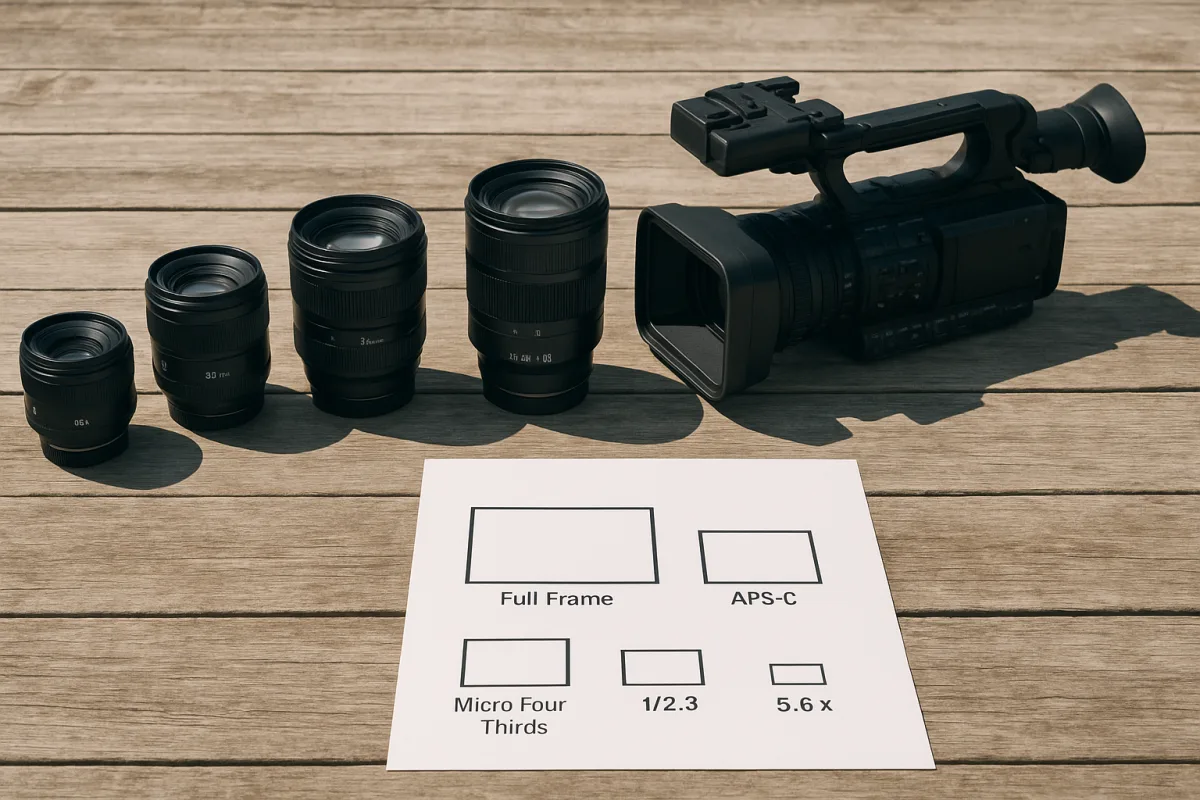
How to Choose the Right Lens for Video Production
Learn how to choose the right lens for video, covering focal length, sensor size, aperture, and practical tips for better video production.
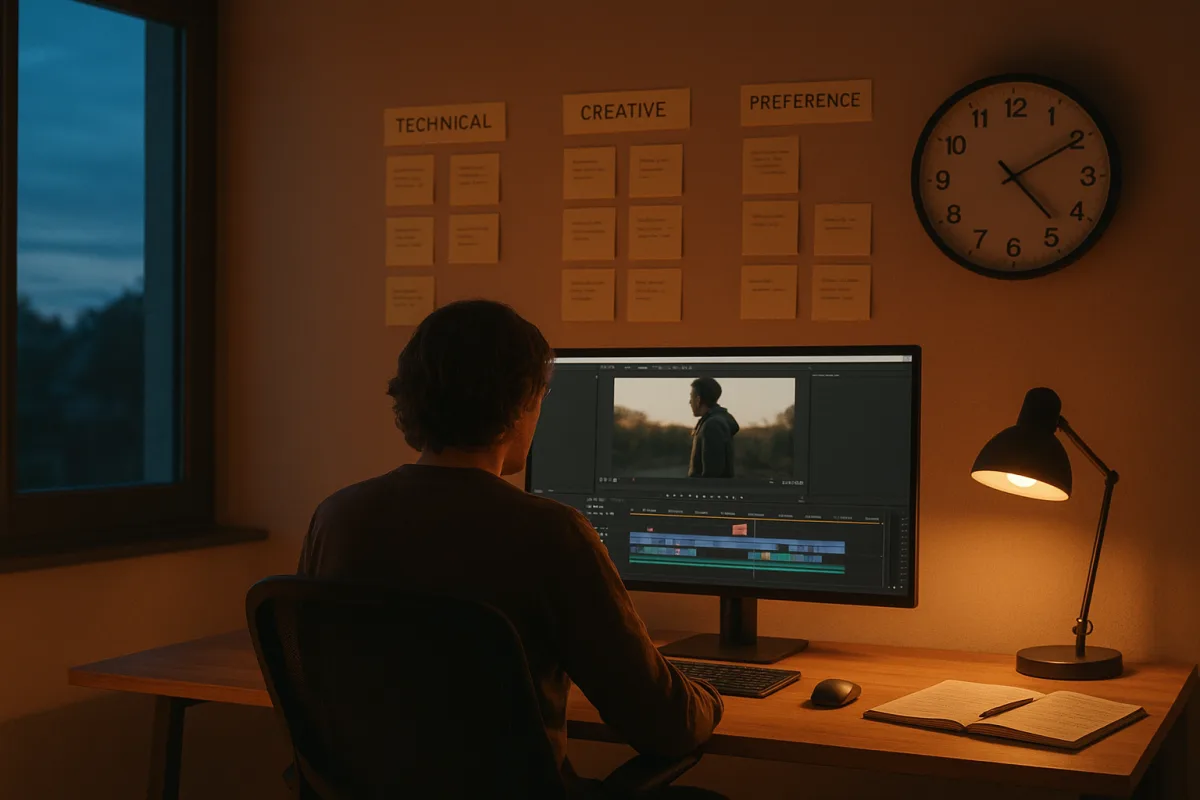
Video Editing Revision Rounds: Best Practices for Feedback
Learn best practices for video editing revision rounds to streamline feedback, consolidate notes, and improve review timelines effectively.
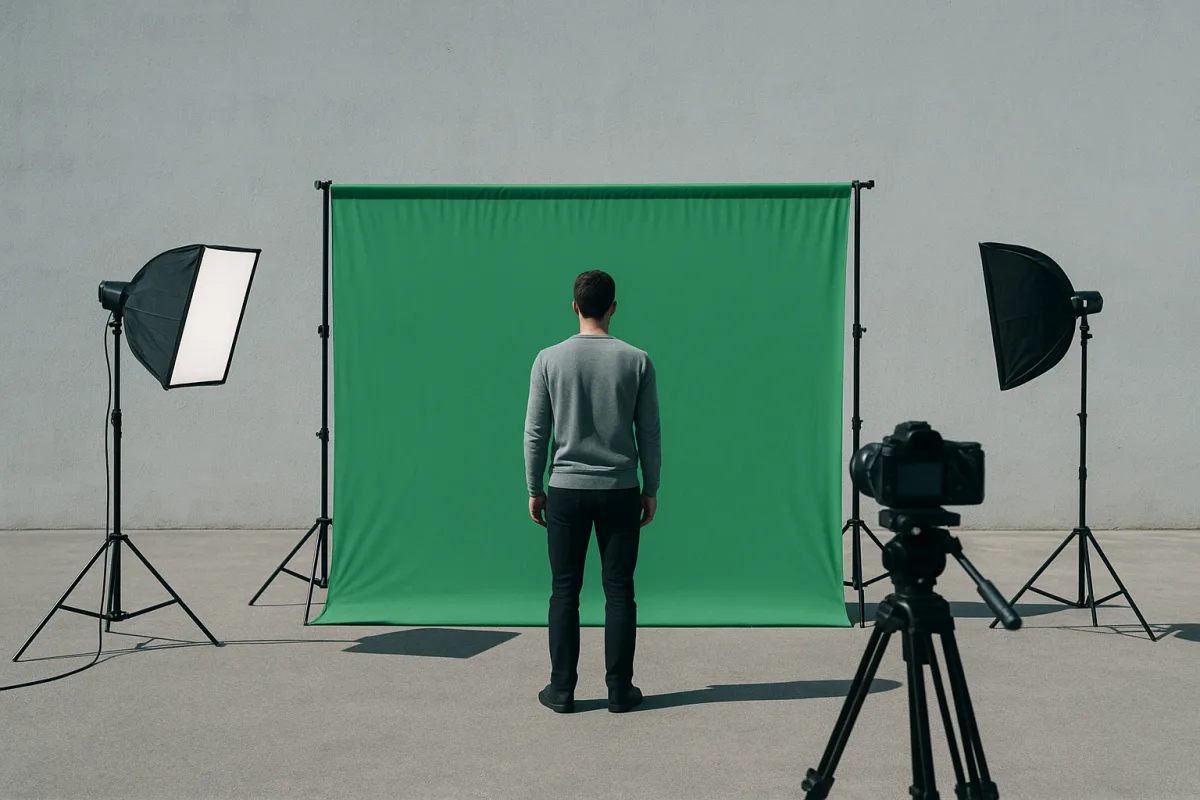
How to Use Green Screen in Video Editing: Setup and Tips
Learn how to use green screen in video editing with tips on setup, lighting, materials, and software for clean chroma key results.
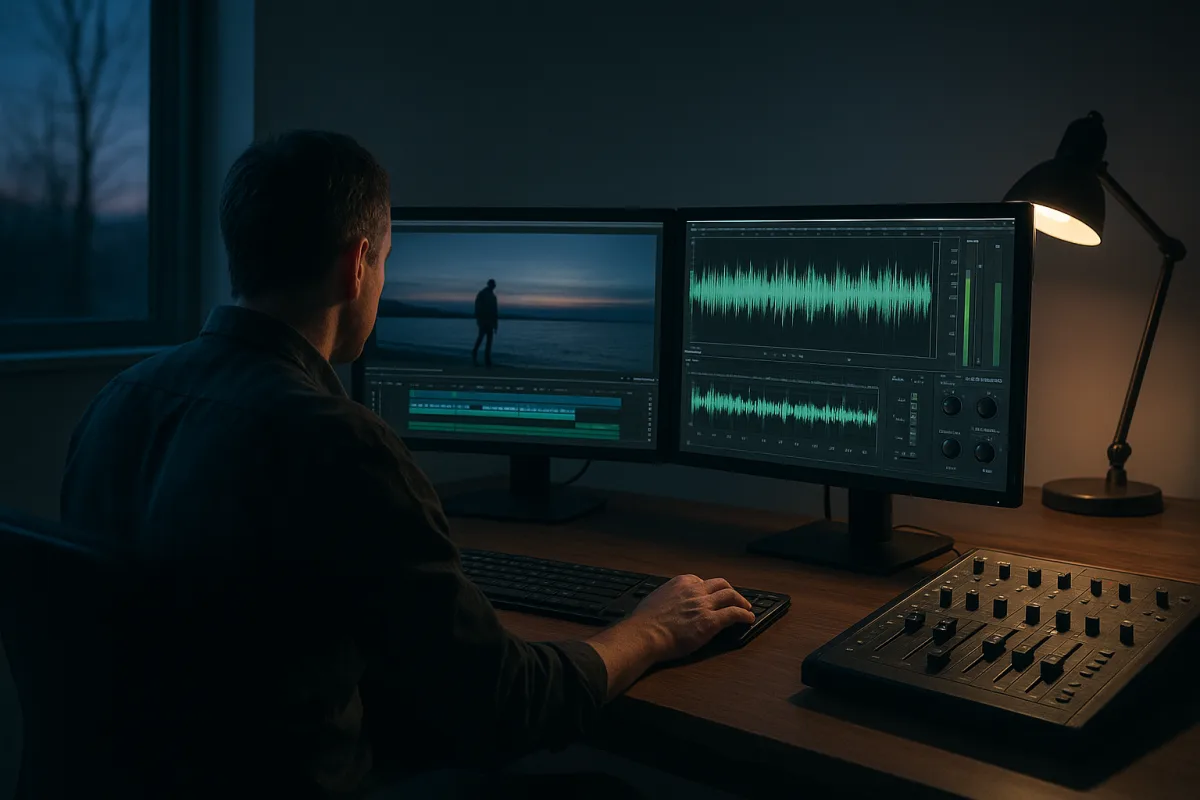
Fix Audio Issues in Video: Tips for Better Sound Quality
Learn how to fix audio issues in video with tips on sync, noise reduction, and audio repair for clearer, professional sound in your edits.
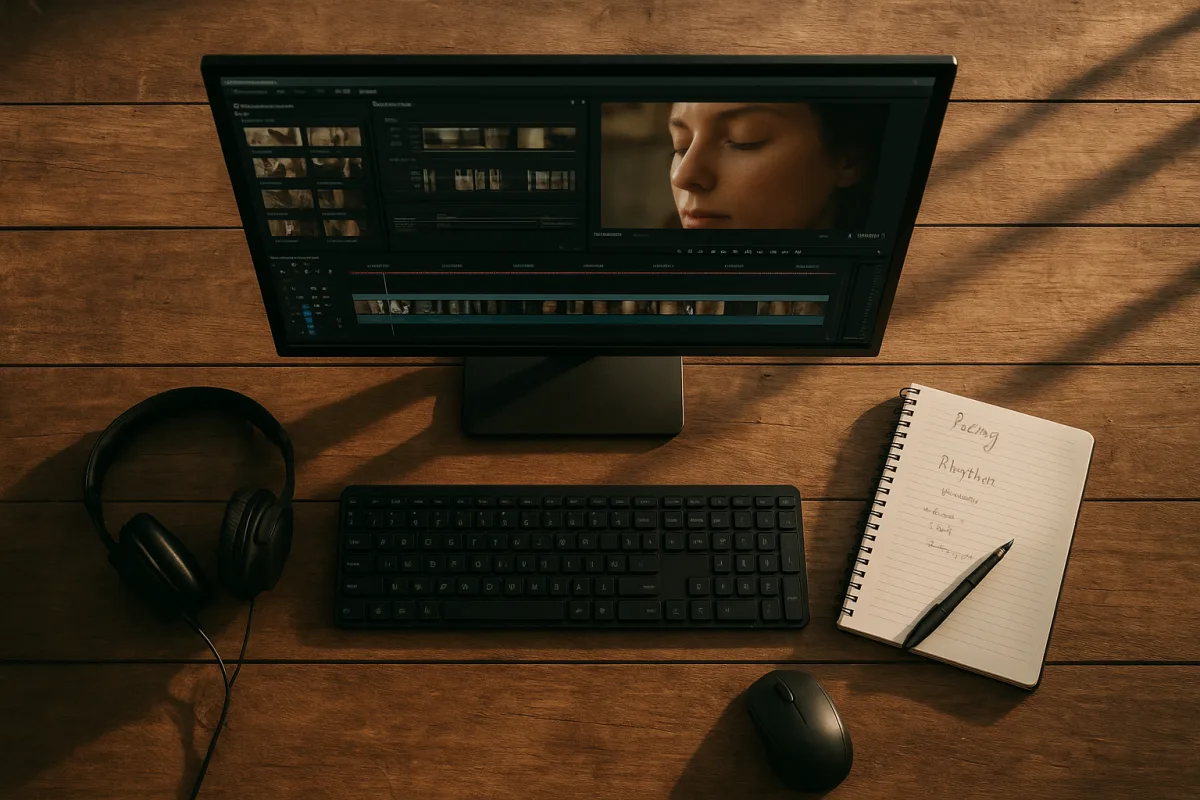
Video Editing Techniques for Storytelling: Pacing & Rhythm
Learn video editing techniques for storytelling, focusing on pacing, shot length, and rhythm to enhance narrative impact.
How to Choose the Right Video Editing Headphones
Learn how to choose the right video editing headphones for accurate monitoring, comfort, and isolation during long editing sessions.
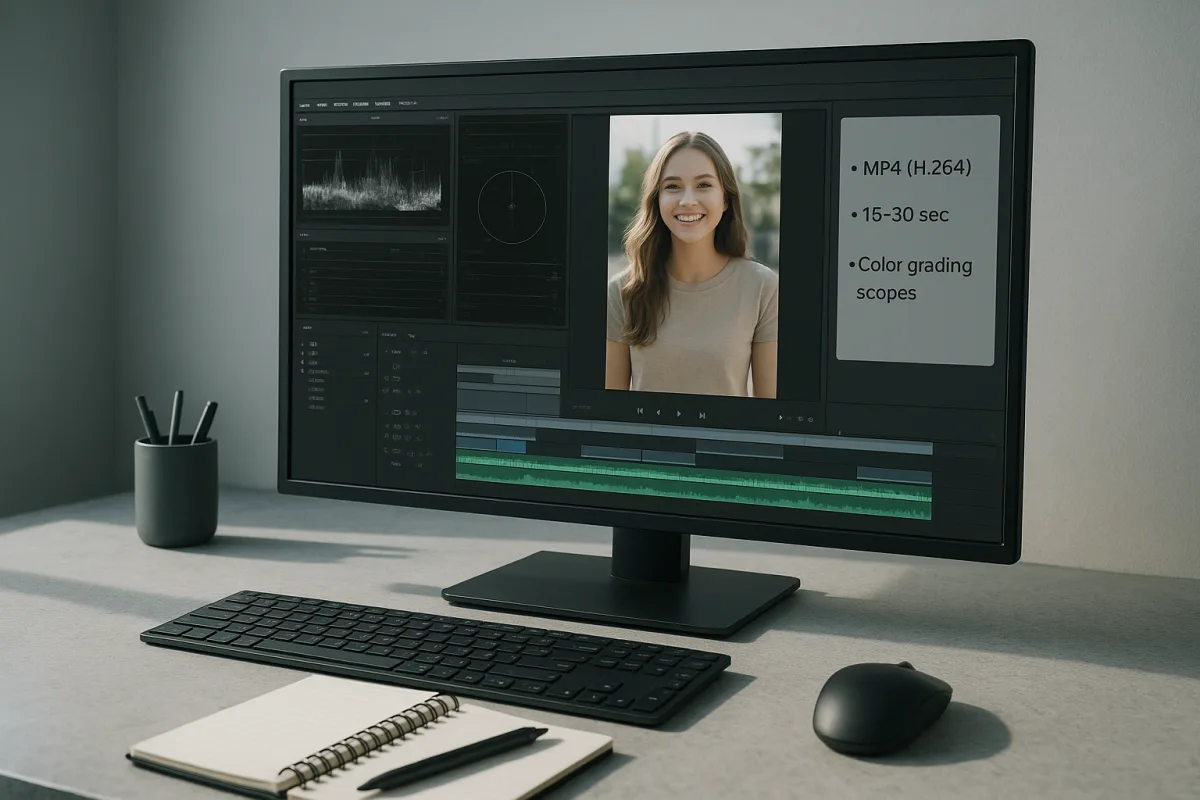
Edit Video for Social Media: Tips on Formats, Length & Color
Learn how to edit video for social media with tips on formats, length, proxies, and color grading for optimal engagement and platform compatibility.
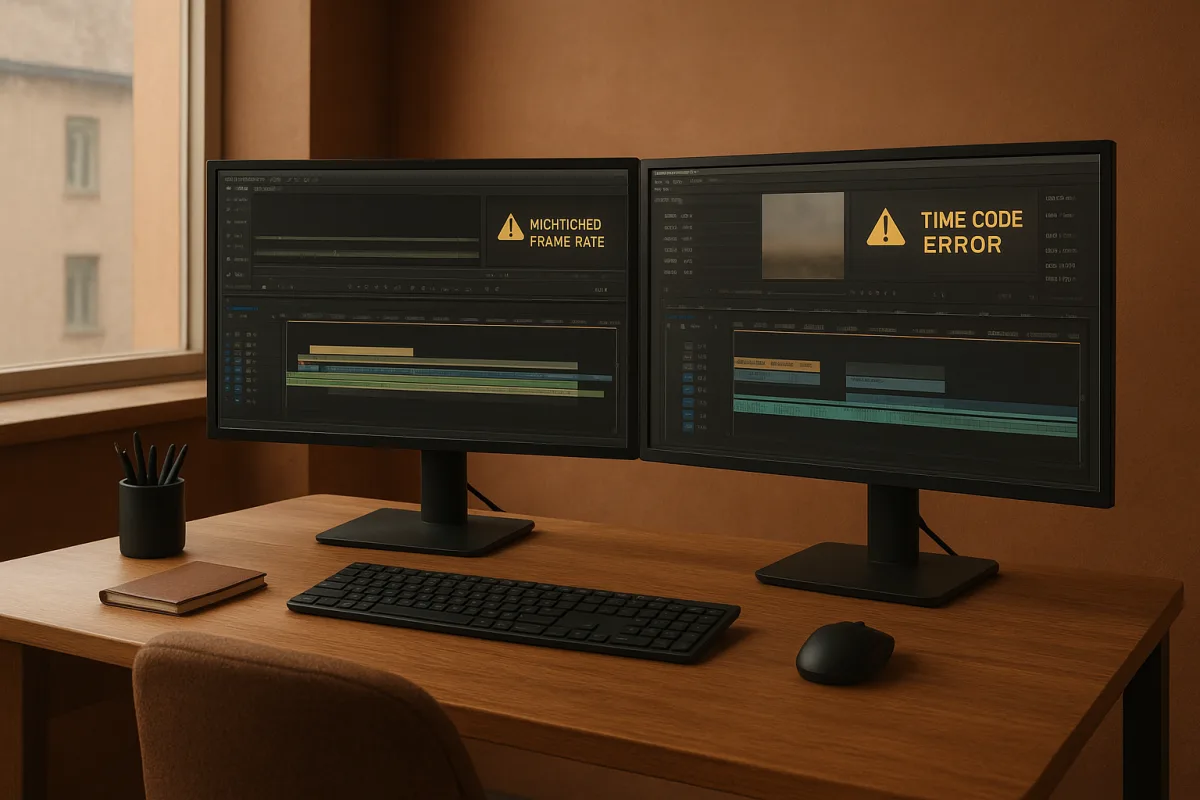
Common Mistakes in Video Editing
Learn common mistakes in video editing including timeline setup, frame rate mismatches, and timecode errors to improve your post-production workflow.
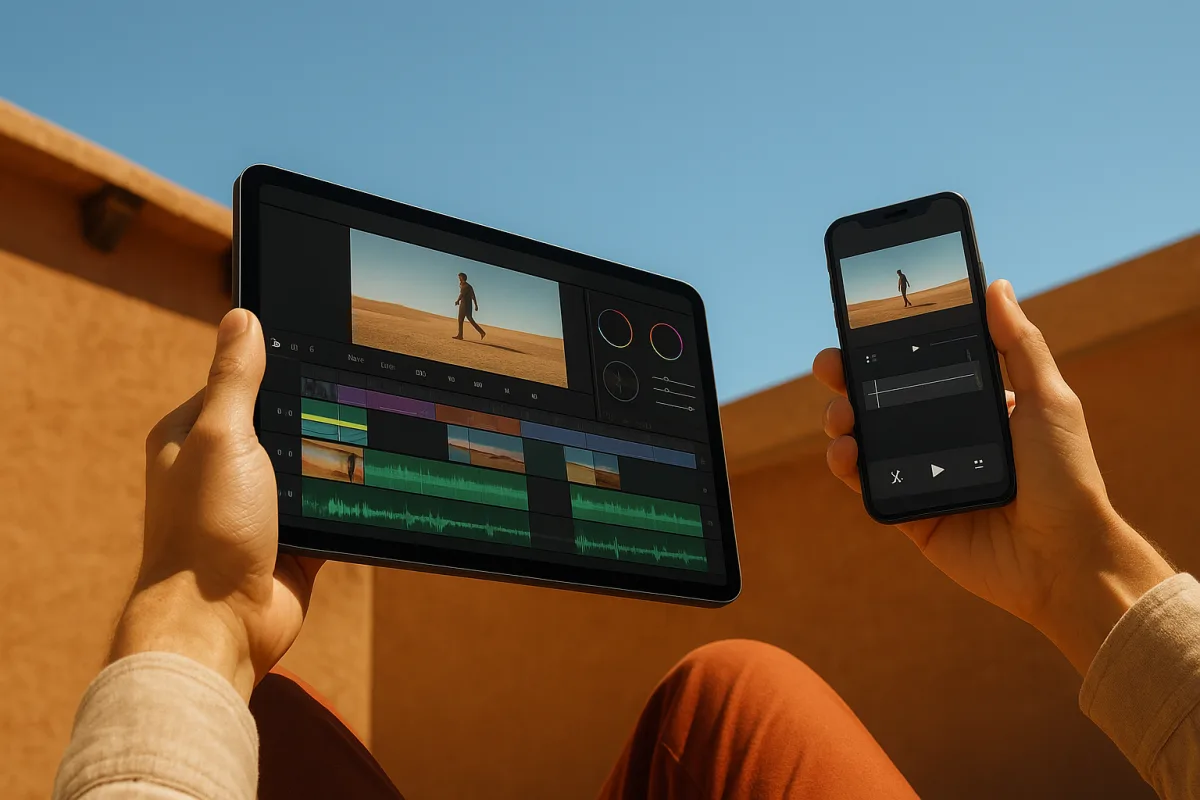
Best Video Editing Apps for Mobile
Compare the best video editing apps for mobile in 2026, focusing on CapCut and LumaFusion features, workflows, and performance tips.
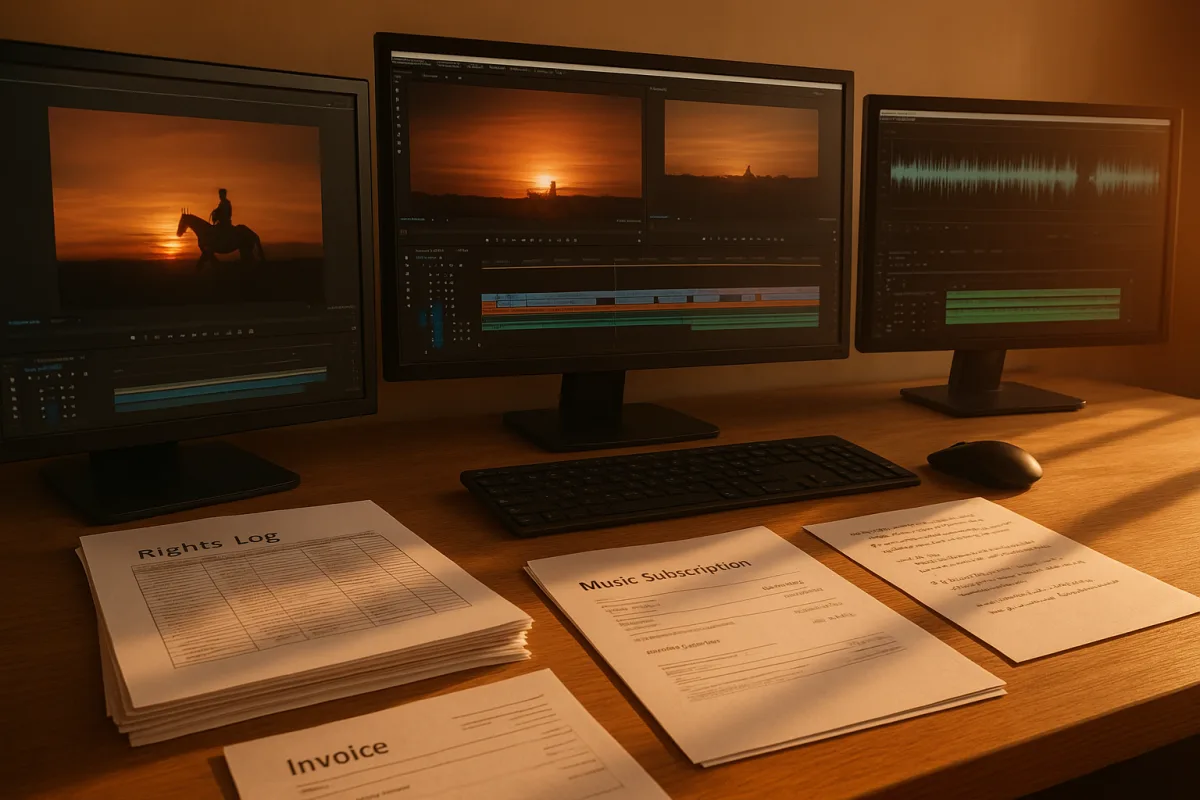
Copyright Issues in Video Editing
Learn how to handle copyright issues in video editing with tips on clearance, licensing, fair use, and rights management before final export.
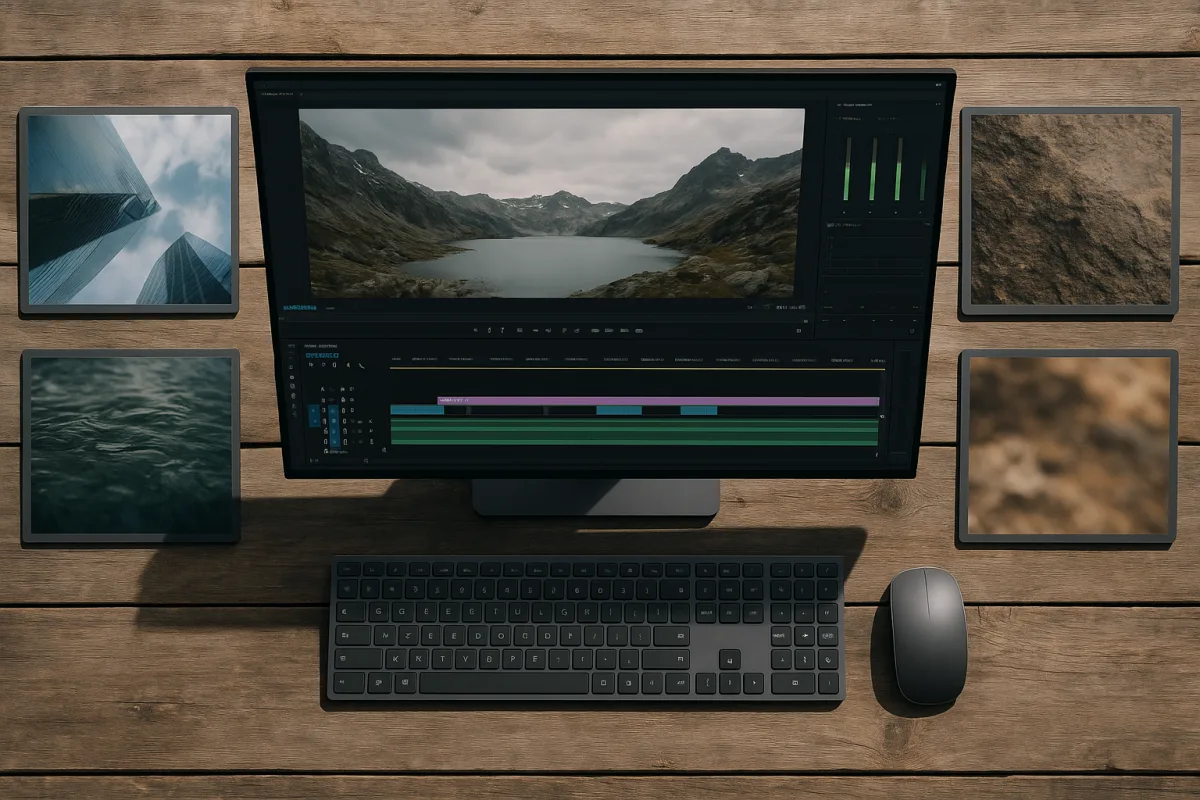
Best Resolution for Video
Learn the best resolution for video delivery and editing, why 4K is optimal, and how viewing distance impacts perceived quality.
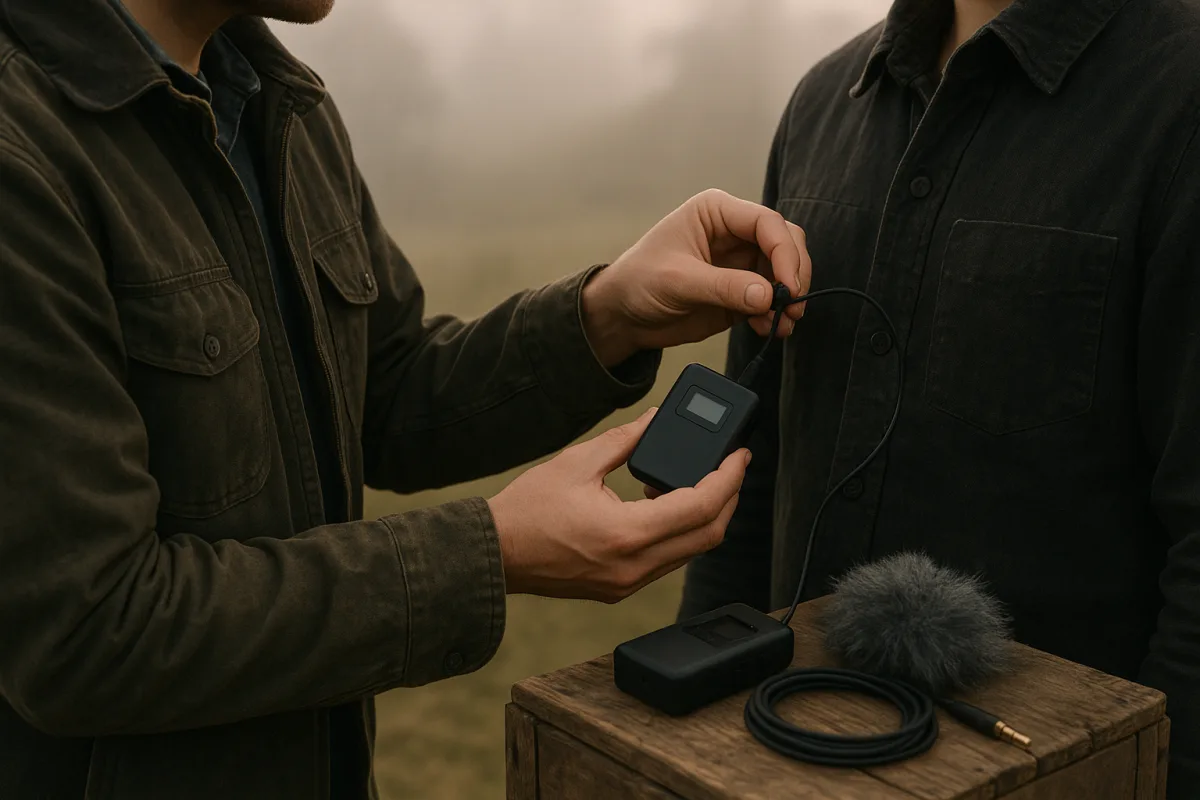
Best Microphones for Video Production
Compare the best microphones for video production, focusing on DJI Mic 2 and Hollyland Lark M2S for wireless dialogue capture and post-production ease.
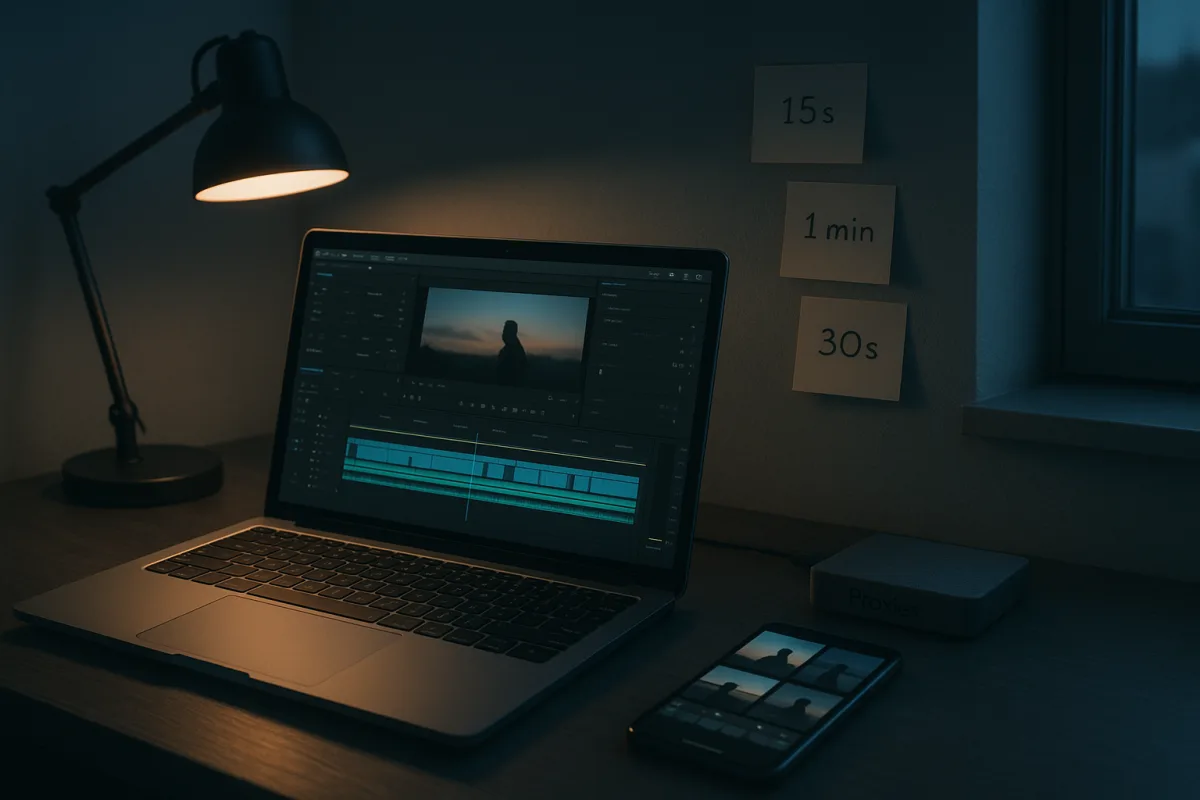
Video Editing for Non-Profits: Tips, Tools, and Workflow
Learn video editing for non-profits with tips on timelines, proxies, codecs, and free tools to create effective fundraising and social videos.
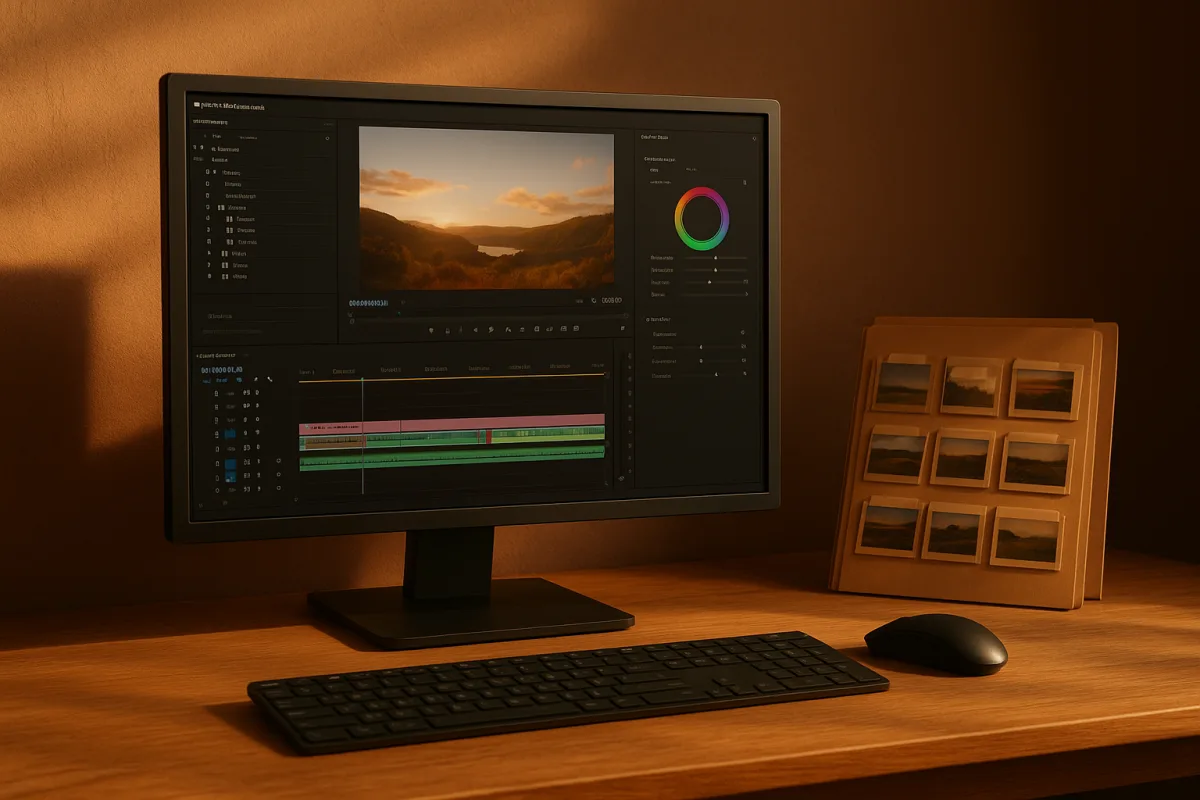
Video Editing Techniques for Corporate Videos
Learn effective video editing techniques for corporate videos, including timelines, proxies, codecs, and color grading best practices.
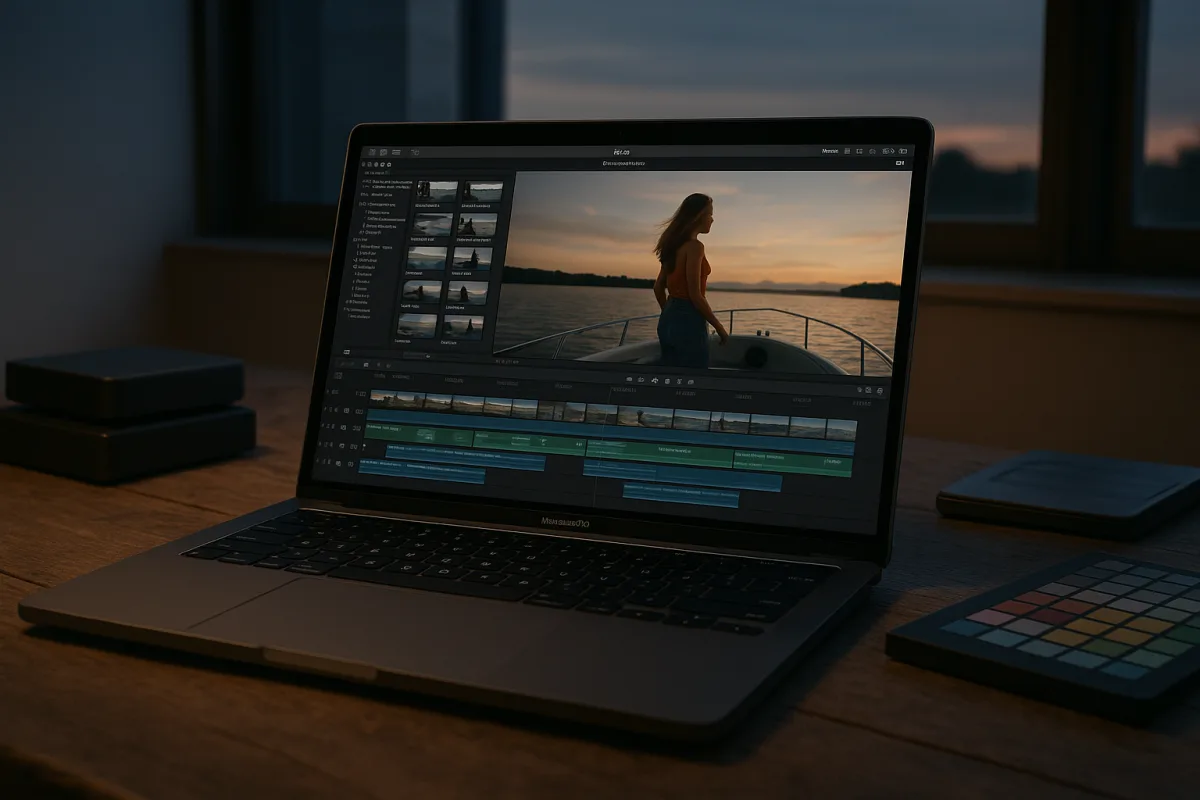
Best Video Editing Software for Mac
Compare Final Cut Pro 10.6 and DaVinci Resolve 18 to find the best video editing software for Mac users focused on Apple Silicon and 4K workflows.