
Documentary Video Editing Techniques
Learn documentary video editing techniques including proxy workflows, timeline settings, codecs, and color grading for smoother, high-quality edits.
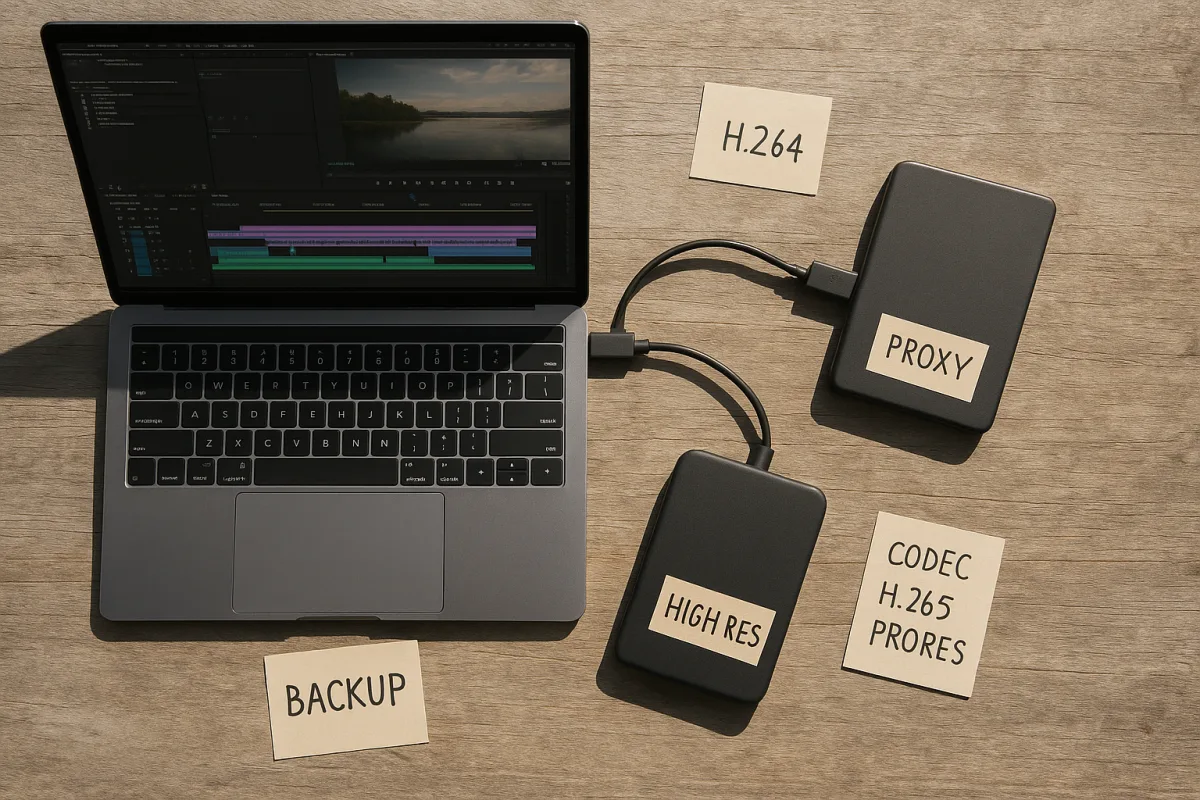
The documentary technique that saves the edit: working offline with proxies
The most useful documentary editing technique is not a transition, a colour look or an AI feature. It is the proxy workflow: an organised system for cutting lightweight copies of high-resolution footage while preserving a reliable path back to the originals.
That sounds administrative until a documentary has 80 interviews, years of archive, drone material, phone clips and several camera formats. At that point, timeline responsiveness directly affects storytelling. If playback stutters, the editor watches less closely, trims less precisely and avoids trying alternate rhythms.
Pacing is where the cost appears first. Documentary scenes gain meaning through changes in shot duration, pauses after a difficult answer, quick compression during process footage, or a held frame when a witness cannot continue. Those decisions depend on fluid playback, not on staring at a spinning beach ball. [1]
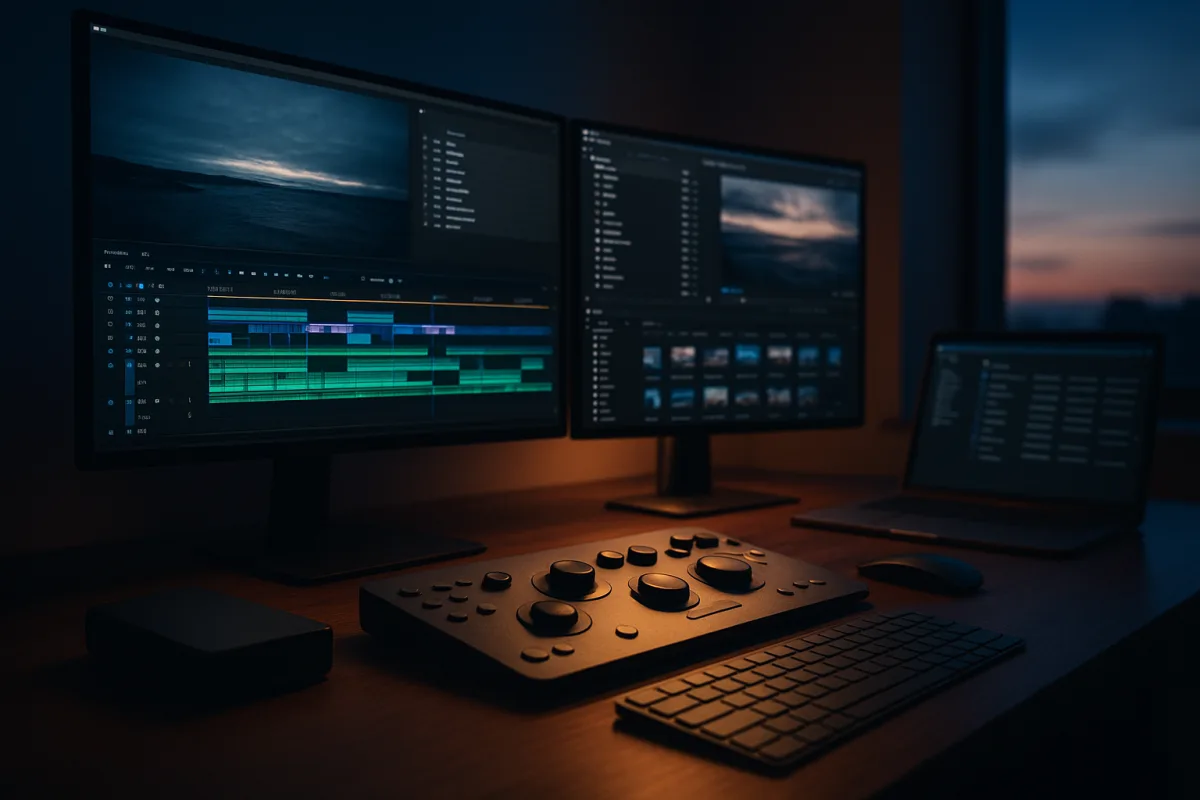
A proxy workflow separates editorial speed from final image quality. The camera original remains untouched, while the editing application uses a smaller, lower-data-rate version for viewing and cutting. At the end, the project reconnects to the high-quality source files for finishing.
This is often called offline editing, though the name can confuse newcomers. It does not mean working without storage or internet access. It means editorial decisions are made from substitute media, while the original camera media stays available for conform, grading and final delivery. [8]
Start with the timeline, not the proxy preset
A proxy cannot fix a badly chosen sequence setting. Before generating anything, decide what the documentary is being made to deliver: resolution, frame rate, aspect ratio, SDR or HDR, audio target and likely platforms.
For a current 4K documentary, 3840×2160 is the usual working resolution. A 24 fps timeline is commonly chosen for a cinematic cadence, while 30 fps remains common for general online content and projects built around that acquisition format. [5]
The important point is not that 24 fps is inherently more serious. It is that frame rate affects movement, cadence, archive handling and export. A documentary filmed mainly at 24 fps should not casually become a 30 fps project because a social platform also wants clips.
Archival footage complicates this further. It may arrive at a different frame rate, in a different aspect ratio, with interlacing, visible film grain or damage. The research brief does not support a universal timeline setting for archive, which is the honest answer: evaluate each source before imposing a conversion.
That restraint is editorial, not merely technical. Old footage carries its own texture and historical distance. Cropping, aggressive denoising or synthetic frame interpolation can make it feel falsely contemporary, even when the result initially appears cleaner. [16]
A workable rule is to set the main timeline from the dominant intended delivery and principal camera material, then make deliberate exceptions for archive. Label those exceptions in bins and timelines. Do not let automatic interpretation silently determine the visual language of a film.
What proxies actually save
High-quality acquisition formats are expensive in storage and bandwidth. A 4K ProRes 422 workflow can require roughly 6 GB per minute, or 360 GB per hour. An 8K ProRes workflow can reach about 18 GB per minute, roughly 1.1 TB per hour. [10]
Those figures explain why a fast computer alone is not the solution. Even with 32 GB of RAM, a sensible minimum recommendation for smooth 4K editing, the system still has to read media from storage, decode it, draw waveforms and serve the timeline. [7]
Proxy files lower that burden. Typical proxy data rates sit around 2 to 10 MB per second, which works out to approximately 7.2 to 36 GB per hour. That is still real storage, but it is far less punishing than hundreds of gigabytes per shooting hour. [8]
The immediate benefit is smoother scrubbing, multicamera playback and faster handoff to assistants or remote collaborators. The storytelling benefit is more important: editors can review material repeatedly, test a quieter cut, extend a reaction shot, or compare two interview answers without treating each experiment as a technical interruption.
Proxies also make B-roll decisions more honest. B-roll should clarify action, locate a speaker, carry time across a cut, or create emotional emphasis. It should not be dropped over every cut merely because the original interview media is slow to play. Documentary editing guidance consistently treats B-roll as structural narrative support. [2]
Choose the proxy codec for the edit system
There is no single best proxy codec. The right choice depends on the application, operating system, storage limits and collaboration plan. A proxy format is a working format, so the useful question is: what will this team cut reliably every day?
Apple ProRes Proxy is a broad, practical option and is commonly used around 45 Mbps at 1080p. It is widely compatible across post-production workflows, although it comes from Apple’s ecosystem and is particularly natural in Mac-based environments. [8]
For Adobe Premiere Pro, built-in proxy attachment and toggling make a ProRes Proxy workflow straightforward in principle. Adobe’s software manages the relationship between original and proxy, but production teams should check the current Premiere Pro documentation because proxy menus, ingest presets and supported hardware change across versions. [9]
Avid Media Composer users should look first at Avid DNxHD LB. At 1080p25, it is commonly cited around 36 Mbps, and its value is less about a theoretical quality victory than about fitting an Avid-centred workflow cleanly. [8]
H.264 proxies can be much smaller. At 720p, they may be around 3 to 5 percent of the size of a 4K original, which matters when a documentary team is moving media across limited internet connections or small portable drives. [9]
The trade-off is editing precision and responsiveness. H.264 is heavily compressed and can demand more decoding work than an edit-friendly intraframe proxy codec. It may be acceptable for logging and modest projects, but it is not automatically the best answer for a dense interview-driven documentary.
This is why “make low-resolution proxies” is incomplete advice. Resolution, codec and bitrate all matter. A 720p H.264 proxy may be small, but a 1080p ProRes Proxy or DNxHD LB file may make a long-form timeline easier to operate and judge.
The handoff that prevents a bad conform
A proxy system works only when every proxy remains correctly linked to its original. That relationship is usually maintained through filenames, timecode, reel or camera metadata, folder discipline and the NLE’s attached-proxy database. Break enough of those links and final conform becomes manual detective work.
Do not rename camera originals after proxies have been generated unless the project is designed to track that change. Do not scatter originals across personal drives because someone needed space. The deadline-saving version of this workflow is boring: predictable volume names, stable folders and duplicate records.
Keep the originals online or immediately recoverable before beginning a final colour pass. Proxy media is not suitable for final grading, visual-effects work or mastering. The editorial cut may look complete, but finishing depends on returning every used clip to the source resolution and source colour information.
That return matters particularly in low light. Noise, clipped highlights and camera-specific colour response need access to the original media. Standard “clean it up” fixes can make a night sequence waxy or flatten the fragile texture that tells the audience it was filmed under real constraints.
Grade for coherence, not cosmetic perfection
Colour correction makes shots technically consistent. Colour grading shapes their mood through hue, saturation and luminance. Those are related tasks, but documentary work usually demands subtlety: the audience should feel continuity and emotional intention without suspecting the film has rewritten reality. [3]
DaVinci Resolve Studio remains a central professional grading tool in 2026, while Adobe Premiere Pro’s newer Color Mode uses AI-assisted features, and browser-based Luttie offers another route for lighter workflows. [15] I have not tested these tools, so this is not a ranking.
The useful distinction is between assistance and judgment. AI can help identify shots, organise material or accelerate technical operations. Avid’s work with Google Cloud generative AI is framed around reducing workflow friction, not replacing the creative decisions that determine story, context and ethics. [4]
For documentary colour, preserve differences that are meaningful. A fluorescent office, a sodium-lit street and faded home-video archive should not necessarily match perfectly. Correct distractions, protect skin tones and keep scenes legible, but avoid turning varied evidence into one synthetic commercial palette. [13]
Deliverables shape the edit from day one
Delivery requirements are not a last-afternoon export problem. A US broadcast master may need ATSC A/85 loudness compliance at −24 LKFS, while European delivery commonly follows EBU R128 at −23 LUFS. Those targets affect mix review, dialogue treatment and final quality control. [19]
Clean dialogue remains the centre of most documentary sound design. Music, ambience and silence should support comprehension and rhythm rather than cover editorial uncertainty. Intentional silence can hold tension, but it must still survive the loudness-normalisation process without becoming an accidental technical dip. [2]
HDR requirements also need early confirmation. HLG is common across European and Asian broadcast contexts, while major streamers may require Dolby Vision, HDR10+, or both depending on the service. Netflix uses Dolby Vision, Amazon supports HDR10+ and Dolby Vision, and Disney+ supports both. [2]
A connected-TV advertising deliverable can be more constrained than the documentary master. Hulu and Roku-style CTV specifications commonly call for MP4/H.264, 1920×1080 video and AAC audio. That does not mean the editing timeline should become H.264. It means exports need planned versions. [20]
Streaming platforms also require professional human dubbing for relevant language deliverables, rather than accepting AI dubbing as a substitute. That affects schedules, locked-picture dates and dialogue editing. A late story change can require revised translation, recording, mix and quality control. [2]
The proxy workflow supports all of this because it keeps editorial fast while originals remain protected. It does not replace planning. Back up camera media, project files, proxies and exports using the 3-2-1 rule: three copies, on two media types, with one copy offsite. [12]
Frequently Asked Questions
How do proxy workflows improve documentary editing?
Proxy workflows allow editors to work with lightweight, lower-data-rate copies of high-resolution footage, which improves timeline responsiveness and playback smoothness. This enables more precise pacing and rhythm decisions without taxing storage or bandwidth, while preserving the original camera files for final grading and export.
Which codecs are best for editing documentary footage?
Proxy codec choice should match the editing software rather than follow trends. Apple ProRes Proxy is broadly compatible and favored for cross-platform use, DNxHD LB is practical for Avid users, and H.264 offers smaller file sizes but involves more compromise in editing precision.
How should timelines be set for documentary projects?
Timelines should be established early based on the intended delivery format, including resolution, frame rate, aspect ratio, HDR, and audio targets. For example, 3840×2160 resolution with 24 fps is common for cinematic documentaries, while 30 fps suits general online content. Archival footage may require special handling and exceptions to the main timeline settings.
How to handle archival footage in documentary editing?
Archival footage should be treated as evidence with its own texture and historical character, not as defective modern footage to be overly corrected. Editors should avoid aggressive cropping, denoising, or frame interpolation that can erase period-specific qualities, and instead make deliberate editorial choices to preserve authenticity.
How we researched this
This article was assembled from 21 cited references.
Nothing here is based on hands-on testing. Where a figure or finding appears, it belongs to the source cited beside it, and the writing says so rather than implying otherwise. Every source is listed below so you can check it.
Sources
- Video Editing Techniques for Storytelling: Pacing & Rhythm
- Everything You Need to Know About Documentary Style Video Editing in 2026
- What is colour grading? Everything you need to know
- 'Stay focused on storytelling': I spoke to Avid about its partnership with Google AI and what it means for creative professionals
- Video Frame Rate Explained: 24fps vs 30fps vs 60fps | EditorVault
- Drone Video Editing Guide: How to Edit Drone Footage in 2026 – MidronePro Store
- I edit video for a living - and this is how much RAM you need in 2026
- Proxy-Workflow: Offline-Schnitt mit Proxy-Dateien — Wiki | Lazi Akademie
- Premiere Pro proxy editing without filling your SSD (2026) | Sanbila
- How Much Storage Does Video Editing Really Need in 2026?
- Shared Storage for Video Editing: NAS vs SAN vs Cloud (2026) | PostForward
- 3-2-1 Backup Strategy for Post-Production | Clouds Agency
- Color Grading Basics for Documentaries: Easy (2026)
- Color Correction vs Color Grading: What's the Difference? - Adobe Video World
- Learning color grading is a major challenge. Adobe has hit the reset button with an all-new Color Mode that's the "largest release in Premiere history"
- Best Practices for Combining Multiple Image Sources in Documentaries | History Rise
- Editing Archival/Found Footage With a Modern Tension Score — tensióne
- Best Live Streaming Encoder Settings: YouTube vs. Twitch
- EBU R128, BS.1770 & ATSC A/85: Loudness Normalization 2026
- CTV Ad Specs 2026: Video Size, Format & Length | DataLatte
- Best Video Editing Storage Solutions for 2026 | Fastio
Related Articles
Video Editing Techniques for Corporate Videos
Learn effective video editing techniques for corporate videos, including timelines, proxies, codecs, and color grading best practices.
Edit Video for Educational Content
Learn how to edit video for educational content with tips on timelines, proxies, codecs, and color correction for engaging teaching videos.
Edit Video for Live Events
Learn how to edit video for live events with tips on timelines, proxies, codecs, syncing, and color grading for smooth, efficient post-production.
Video Editing Workflow: How to Create an Efficient Process
Learn how to create a video editing workflow covering timelines, proxies, codecs, and color grading for smooth post-production.