
Best Video Editing Gear for Live Streaming in 2026
Discover the best video editing gear for live streaming, including top capture cards and hardware to enhance your stream quality and workflow.
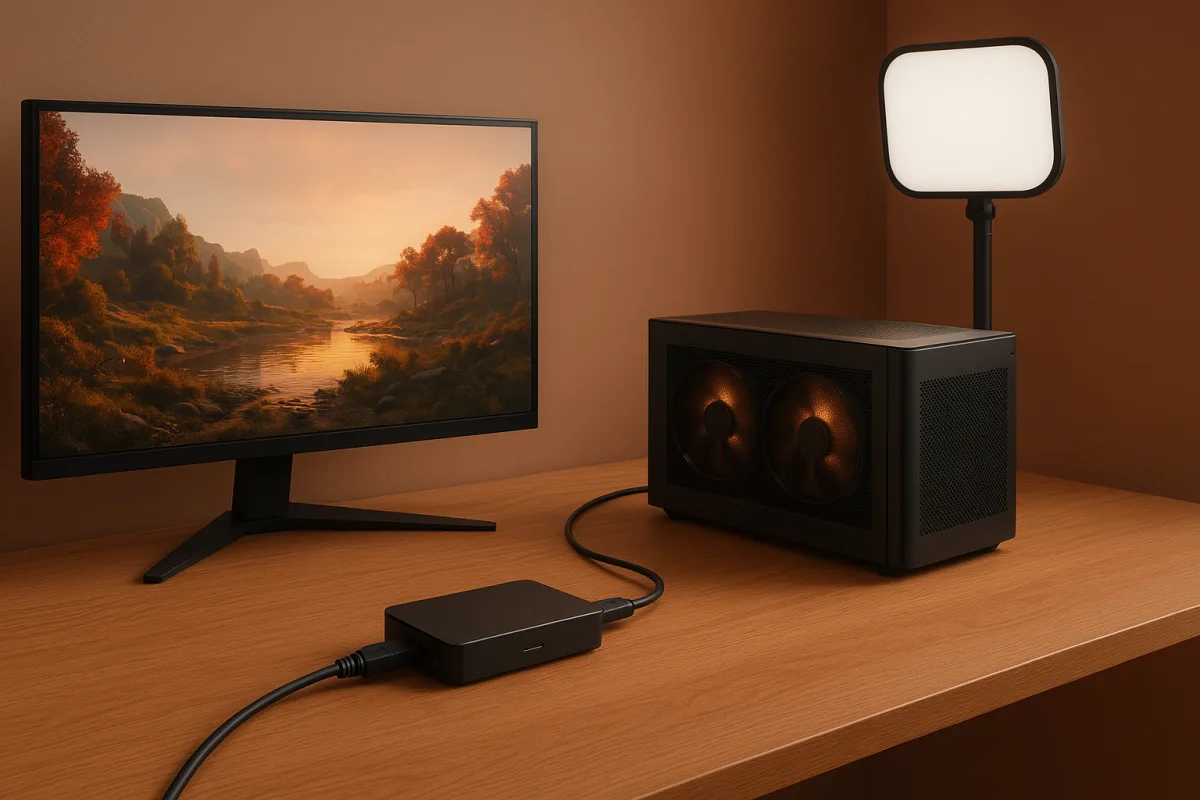
The decision: Elgato 4K X vs AVerMedia Live Gamer Ultra 2.1
The two premium external cards worth putting directly against each other are Elgato’s 4K X and AVerMedia’s Live Gamer Ultra 2.1. Both target creators who need modern HDMI 2.1-era passthrough rather than basic 1080p capture. [5][19]
This is not a contest where one product embarrasses the other. The Elgato 4K X has the higher ceiling, while the AVerMedia Live Gamer Ultra 2.1 covers the more common 4K60 streaming and recording requirement with HDR and VRR passthrough. [5][19]
The important distinction is between capture and passthrough. Capture is the feed OBS, Streamlabs or similar software receives. Passthrough is what reaches your gaming monitor, and it determines whether your local play remains responsive and retains high refresh-rate features.
| Criterion | Elgato 4K X | AVerMedia Live Gamer Ultra 2.1 |
|---|---|---|
| Position in the field | Premium external capture card | Premium external capture card |
| Maximum reported capture | 4K at up to 144fps | 4K at up to 60fps |
| Passthrough | HDMI 2.1 passthrough | HDR and VRR passthrough up to 144Hz |
| Connection | USB-C, using USB 3.2 Gen 2 Type-C | USB 3.0 with HDMI 2.1 |
| HDR and VRR | HDR10 and VRR support reported | HDR and VRR support reported |
| Best fit | Creators who genuinely need 4K144 capture or HDMI 2.1 headroom | Creators recording or streaming at 4K60 while preserving a high-refresh local display |
| Where it falls down | Premium capability is wasted on a 1080p60 workflow or limited upload connection | It cannot capture 4K at the 4K X’s reported 144fps ceiling |
| Cost position | Premium | Premium, broadly comparable category |
1. Capture format and headroom
The Elgato 4K X is the choice for a workflow built around 4K144 capture. Its reported specification includes 4K144 capture, HDR10, VRR, HDMI 2.1 passthrough and USB 3.2 Gen 2 Type-C connectivity. [5]
That specification matters if you record gameplay for later editing at high frame rates, create slow-motion selects, or want the capture device to outlive a monitor upgrade. It is less meaningful if the final live output remains 1080p60.
The AVerMedia Live Gamer Ultra 2.1 reports 4K60 capture, alongside HDR and VRR passthrough up to 144Hz. [19] That is enough for a large proportion of polished streams, because 4K60 is already demanding on the encoder, upload and platform delivery chain.
For a creator who wants clean 4K60 archives to cut into highlights later, the AVerMedia card is not a compromise in the way “60fps” can sound on a specification sheet. It becomes a limit only when 4K144 capture is an actual deliverable.
2. Passthrough and the local playing experience
The Elgato 4K X’s HDMI 2.1 passthrough makes it the safer decision for a high-end PC or console setup that already uses 4K at high refresh rates. The card is designed not to force the monitor backwards. [5]
The AVerMedia Live Gamer Ultra 2.1 also handles VRR passthrough up to 144Hz, which is substantial for players using a 144Hz display. [19] If your screen and game run within that envelope, the operational difference may be negligible.
This is where buyers often spend an hour troubleshooting a “laggy capture card” when the issue is actually an HDMI chain negotiating the wrong refresh rate or colour mode. Confirm the display mode before blaming OBS.
Neither card makes the stream itself 144fps for viewers. Your delivery format, streaming service, bitrate and encoder settings still decide that. The capture card preserves a source signal, it does not rewrite the limits of the destination platform.
3. Connection and computer fit
The 4K X uses USB-C and is reported to require USB 3.2 Gen 2 bandwidth. [5] That makes port selection a workflow concern, not a cable-shopping detail, especially where fast external storage shares controller bandwidth with capture hardware.
The Live Gamer Ultra 2.1 uses USB 3.0 and HDMI 2.1. [19] It may be the simpler fit where a system has ordinary USB 3.0 available, though its 4K60 capture ceiling means it is aimed at a different maximum workload.
An external card is generally easier to move between machines than an internal PCIe model. It also avoids opening a desktop, but it does not remove the need to check ports, drivers, OBS settings and display handshake behaviour.
I have not physically tested either card. This recommendation rests on the published specifications and independent reporting, rather than a claim that one has survived every console, USB controller and OBS version in a real studio.
4. Stream quality, codecs and the actual bottleneck
A capture card preserves input quality. It does not automatically produce a better-looking live stream if the encoder is constrained. H.264 remains the compatibility default because browser and device support are broad, with relatively low encoding overhead. [10][11]
H.265 can reduce bitrate requirements by roughly 40 to 50 percent against H.264, but it asks more of the encoder and browser compatibility remains inconsistent. [10][11] That can be useful, but it is not the automatic answer for public live output.
AV1 is more efficient again, with reports placing its bitrate reduction at roughly 55 percent against H.264 under comparable quality conditions. Hardware acceleration is improving, but real-time software encoding remains impractical for many live workflows. [10][14]
If interaction latency matters, hardware encoding is usually the sane choice. Research on low-latency GPU encoding places hardware latency around 40 to 100 milliseconds, compared with software workflows that can run substantially higher. [1]
The 4K X’s additional capture headroom is valuable only if the computer can encode, record or edit that material. A recommended 1080p60 streaming system already calls for a modern eight-core-class CPU, 32GB RAM and a capable GPU. [8]
5. The gear around the card
Before buying either premium card, deal with the part viewers actually notice first: the camera image. A soft adjustable LED key light placed near face level, at roughly 200 to 400 lux, is a more dependable visual improvement than chasing capture specifications. [15]
Start with one key light and match its colour temperature to the room. Add a fill at lower intensity and a back light only when the image needs shadow control or separation from the background. A CRI of 90 or above is recommended for skin-tone accuracy. [15][16]
For a direct-camera stream, Elgato’s Cam Link 4K sits in a different category from the 4K X and Ultra 2.1. It suits DSLR or mirrorless-camera creators, offering reported 4K30 capture and plug-and-play USB operation rather than console-focused passthrough. [5]
The camera also needs clean output, stable autofocus where appropriate, exposure that does not hunt, and a power plan that lasts beyond the first hour. Those are production problems, not capture-card problems, and they can ruin an expensive setup.
Bandwidth sets another non-negotiable ceiling. The research brief recommends at least 20 Mbps stable upload for 4K, while other guidance puts practical 4K streaming needs around 25 to 35 Mbps. Use the lower figure as a minimum, not a promise.
Where the rest of the field sits
Elgato’s 4K S is the mid-range choice for creators who want 4K60 capture with HDR and VRR passthrough up to 120Hz. It suits the person who needs 4K60 but does not need the 4K X’s reported 4K144 capture ceiling. [5]
Elgato’s HD60 X is also mid-range, aimed at 1080p60 capture with HDR10 and VRR passthrough up to 240Hz. It suits competitive players who prioritise a high-refresh local display over 4K capture. [5][21]
Razer’s Ripsaw HD is mid-range and suits 1080p60 capture with 4K passthrough, particularly when its audio-mixing feature fits the signal path. It falls short for buyers who specifically require HDR or VRR functionality in the published field specifications.
Elgato’s Cam Link 4K is mid-range, but it is not a substitute for the gaming cards above. It suits a DSLR or mirrorless camera feed at up to 4K30, where simple USB connectivity matters more than monitor passthrough. [5]
AVerMedia’s Live Gamer Mini is entry-level and suits beginners who need dependable plug-and-play 1080p60 capture. It is the sensible low-complexity option when the stream is 1080p and the creator does not need HDR, 4K or high-refresh passthrough features.
Elgato’s Game Capture Neo is entry-level and suits 1080p60 streaming with HDR passthrough. It makes sense for a basic current-generation console setup, but it does not answer the needs of creators recording native 4K footage for a 4K editing timeline.
NZXT’s Signal HD60 is another entry-level 1080p60 option with 4K passthrough. It suits a streamer who needs the local display to remain at 4K while accepting a conventional 1080p capture feed for the broadcast.
Elgato’s 4K Pro is premium, but fundamentally different from the external 4K X. It is an internal PCIe 2.0 x4 card with reported 4K60 HDR10 capture and 8K60 passthrough, suited to a fixed desktop production machine. [6]
EVGA’s XR1 Pro is premium and suits creators needing 4K60 capture, HDR and VRR passthrough up to 144Hz. It belongs beside the Live Gamer Ultra 2.1 for high-refresh 4K60 workflows, rather than beside entry-level 1080p cards.
Rode’s RodeCaster Video Core is premium and is the outlier here. It supports up to four video sources with built-in audio processing, suited to creators who need switching, audio mixing and streaming controls in one production-oriented unit. [22]
Who each option suits
The Elgato 4K X suits the creator with a genuine 4K144 source, HDMI 2.1 display path and a computer or workflow capable of benefiting from that headroom. It falls down when the output is simply 1080p60 and the connection is the weak link.
The AVerMedia Live Gamer Ultra 2.1 suits the creator whose realistic target is 4K60 capture, HDR and VRR passthrough up to 144Hz. It is the more focused choice when 4K144 recording is not required, but it cannot become that card later.
For a standard 1080p60 channel, the Elgato HD60 X, AVerMedia Live Gamer Mini, Elgato Game Capture Neo or NZXT Signal HD60 may be the better decision. Put the saved budget into lighting, a stable connection and time spent setting exposure and encoder settings correctly.
Frequently Asked Questions
What is the best video editing gear for live streaming?
The article focuses on capture cards rather than video editing gear specifically. However, it highlights that capture cards like the Elgato 4K X and AVerMedia Live Gamer Ultra 2.1 are key components for capturing high-quality video streams, which can then be edited using software like OBS or Streamlabs. For editing, a computer with sufficient CPU, GPU, RAM, and storage based on your streaming resolution is important.
Which capture cards are best for 4K live streaming?
The Elgato 4K X and AVerMedia Live Gamer Ultra 2.1 are premium external capture cards recommended for 4K live streaming. The Elgato 4K X supports up to 4K144 capture and HDMI 2.1 passthrough, ideal for workflows needing high frame rates. The AVerMedia Live Gamer Ultra 2.1 supports 4K60 capture with HDR and VRR passthrough up to 144Hz, suitable for most 4K60 streaming needs.
How do I choose video editing hardware for live streaming?
Choosing hardware depends on your target resolution and frame rate. For 1080p60 streaming, mid-range or entry-level capture cards and PCs with CPUs like Intel i5-12400 or AMD Ryzen 5 5600, 16GB RAM, and a GTX 1660 Super GPU are sufficient. For 4K streaming, higher-end components such as Intel i9 CPUs, RTX 4080 GPUs, and 32–64GB RAM are recommended. Also, ensure your capture card matches your capture and passthrough needs.
What gear improves video quality for live streaming?
Improving perceived stream quality relies more on lighting and stable internet connection than capture card specs alone. A well-placed key light enhances webcam image quality, while a reliable upload speed (at least 20 Mbps for 4K) prevents stream instability. Capture cards preserve input quality but do not fix poor exposure or webcam softness.
What are the differences between Elgato 4K X and AVerMedia Live Gamer Ultra 2.1?
The Elgato 4K X supports up to 4K144 capture and HDMI 2.1 passthrough, making it suitable for high-frame-rate workflows and future-proofing. The AVerMedia Live Gamer Ultra 2.1 captures up to 4K60 with HDR and VRR passthrough up to 144Hz, fitting most 4K60 streaming setups. The Elgato requires USB 3.2 Gen 2 Type-C, while AVerMedia uses USB 3.0 and HDMI 2.1. The Elgato is better for workflows needing 4K144, while AVerMedia suits those capped at 4K60.
How we researched this
This article was assembled from 22 cited references.
Nothing here is based on hands-on testing. Where a figure or finding appears, it belongs to the source cited beside it, and the writing says so rather than implying otherwise. Every source is listed below so you can check it.
Sources
- Evaluation of GPU Video Encoder for Low-Latency Real-Time 4K UHD Encoding
- Best Webcam for Streaming (2026) | GamerHardware
- Best Webcam for Streaming 2026
- Best Camera for Streaming & Live Video 2026
- Best Capture Cards (2026) | ChoicePilot
- Elgato Game Capture 4K Pro - video capture adapter - PCIe 2.0 x4 | AS Capital - Datortehnika, IT risinājumi, Serviss
- Best Capture Cards for Streaming and Recording (October 2026)
- Streaming PC Requirements in 2026 | StreamerW
- Streaming Equipment Guide 2026 (From $100 to $5000 Setups) | Clout Kings
- AV1 vs HEVC vs H.264: Bitrate at Equal Quality (2026)
- H.264 vs H.265 vs AV1: Which Video Codec Should You Use for Live Streaming? - StreamingVPS.com
- AV1 Open Video Codec Now Powers 30% of Netflix Streaming
- Firm quietly boosts H.264 streaming license fees from $100,000 up to staggering $4.5 million - backbone codec of the internet gets meteoric increase, AVC hikes follow disastrous H.265 licensing increases
- AV1 vs H.265: Codec Comparison for Video Streaming - LiveAPI Blog
- Best Lighting for Live Streaming: Key Lights, Specs and Setup
- Best Lighting for Streaming: Picks, Setup, and Quick Tuning
- Best Lighting Setup for Live Selling: Budget to Pro Options | LiveShopFront
- The Best Lighting for Live Streaming: A Production Guide
- AVerMedia Live Gamer Ultra 2.1
- Avermedia GC553G2 White Edition Live Gamer ULTRA 2.1 Capture Card การ์ดแคปเจอร์ | Shopee Thailand
- Elgato HD60 X External USB Capture Card for Video Games with HDMI - Walmart Business Supplies
- RodeCaster Video Core
Related Articles
Best Video Editing Gear for Travel
Discover the best video editing gear for travel, including laptops, storage, and workflow tips for smooth editing on the go.
How to Use Green Screen in Video Editing: Setup and Tips
Learn how to use green screen in video editing with tips on setup, lighting, materials, and software for clean chroma key results.
Edit Video for Live Events
Learn how to edit video for live events with tips on timelines, proxies, codecs, syncing, and color grading for smooth, efficient post-production.
Video Editing on a Budget: Best Practices for 2026
Learn best practices for video editing on a budget, including proxy workflows, codecs, and affordable hardware tips for efficient editing.