
Video Editing Review Workflow: Best Practices for Feedback
Learn how to create an efficient video editing review workflow to manage feedback, revisions, and approvals in post-production.
Define what the edit must accomplish
A review link with no stated objective produces notes about everything: music taste, transition style, logo size, and shots that may have no bearing on the job. Put the editing objective in the project brief before media moves.
Write one sentence that identifies the outcome, such as brand awareness, product education, or an internal training message. Then identify the audience, required deliverables, runtime, aspect ratios, required logos, and any non-negotiable shots or messages.[15]
This gives reviewers a standard for their notes. A stakeholder can still request a different music cue, but the producer can ask whether that change improves the agreed message before sending it to the editor.
We would put this brief at the top of the review platform and link it in every review request. Burying the goal in email guarantees that someone reviews the cut against an old conversation.
Put feedback in one review home
A timecoded comment in one app, a Slack reply in another, and a phone screenshot with a circle around a face are three separate revision systems. Choose one platform as the official home for review and approval.
Frame.io, owned by Adobe, is aimed at teams that need Adobe integration, frame-accurate comments, version stacking, and camera-to-cloud workflows.[6] It is the direct fit when Premiere Pro and Adobe-connected production are already central to the team.
Wipster focuses on client-friendly review workflows and version comparison, while Filestage supports unlimited reviewers, side-by-side version comparison, and drawing annotations.[5] Shade combines review, cloud storage, and AI search, and Brault combines creative asset management with video review features.[6][7]
There is no single platform that fits every team. We would pick the system that lets your actual approvers open a link, comment on a frame, see the current version, and mark approval without creating a separate account or support problem.
Frame.io Pro is listed at $15 per user per month, and its Team plan at $25 per user per month.[20] Free tiers commonly provide 5 to 10GB of storage with feature limits, while organization plans can run from $99 to $500 monthly.[20]
The subscription is not the full cost. Training, integration work, extra cloud storage, and possible hardware upgrades can add to it, so avoid paying for asset-management features if your team only needs a clean review-and-approval lane.[20]
Create review files that play everywhere
A reviewer waiting for a huge master file to buffer will respond late, skip details, or ask for a downloadable copy that fragments the process. Make a dedicated review export before you invite comments.
For remote review, use an H.264 MP4 with AAC audio and a constant frame rate.[17] This is a review deliverable, not the finishing master, so optimize for reliable playback and accurate discussion.
Use a 720p proxy for rapid assessment when high resolution is unnecessary, especially for early narrative and structural reviews.[17] Send a higher-resolution review copy when the feedback stage depends on fine graphics, product detail, noise, focus, or color decisions.
Generate editing proxies before cloud upload if the team will share source material remotely.[11] Apple ProRes Proxy and Avid DNxHR LB are recommended proxy codecs because they balance manageable file size with editing quality.[10]
For 4K originals, 1920x1080 half-resolution proxies are a common recommendation. For 6K or 8K material, use quarter-resolution proxies at 1920x1080 or 1280x720, depending on what the edit needs.[10]
These proxy settings are workflow guidance, not a strict industry rule. Keep the proxy naming standardized and preserve a reliable connection to camera originals, or online conform becomes another version-control problem.[10]
Build review stages before the rough cut
A rough cut should not go to every stakeholder at once. Set a sequence that moves from editor self-review to internal review, client review, and final approval, with one named owner at each gate.[2]
The editor’s self-review catches obvious timing, spelling, broken graphics, and audio problems before anyone else sees them. Internal review aligns the production team, so the client receives a cut that already represents one position.
At client review, name one person who can consolidate notes and one person who has approval authority. Those may be different people, but neither role should be implied by whoever replies fastest.
Use labels or progress indicators for statuses such as In Progress, Internal Review, Client Review, Changes Requested, and Approved.[1] A link without a visible status invites someone to comment on a superseded cut after the next version is already underway.
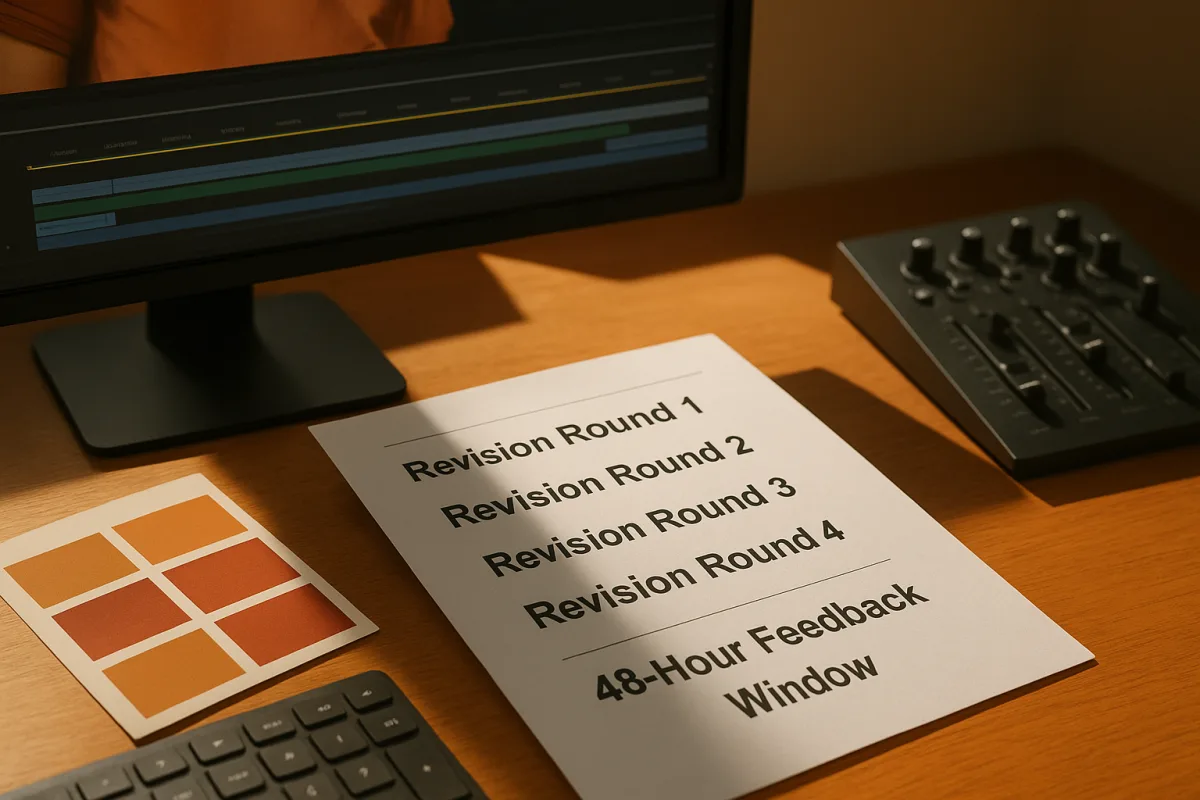
Set the allowed revision rounds in writing. Two to three rounds are common, with additional rounds often billed separately, although the exact allowance and charges depend on the contract and project.[3][8]
Name versions so nobody reviews the wrong cut
“Final_final_v2” is how an approved music change disappears and an old export returns to the client. Use a version name that states the project, deliverable, date or sequence, and review version consistently.
A workable pattern is Project_Cut_16x9_V01, followed by V02, V03, and so on. Keep the project identifier and deliverable name unchanged, and increment only the version number when you upload a new review cut.
Do not reuse a filename after changes. Version stacking in a review platform helps reviewers compare cuts, but it cannot fix two different exports that carry the same name.[6]
Name folders with the same discipline: 01_Admin, 02_Footage, 03_Audio, 04_Graphics, 05_Project_Files, 06_Exports, and 07_Approvals are clearer than a desktop full of “new assets.” Clearly labeled asset folders prevent delivery delays.[13]
Ask for comments an editor can cut
“Can we make this section stronger?” gives the editor a diagnosis without a treatment. Require every reviewer to pin feedback to an exact frame or timecode and describe the desired result.[12]
A usable note reads: “00:01:14:08, replace this product close-up with the blue model, because the voiceover now says blue.” It identifies the location, the change, and the reason without forcing the editor to guess.
Frame-accurate commenting is the basic requirement for any review platform you choose.[1] It keeps the instruction attached to the picture and makes later checks easier when several versions contain similar shots.
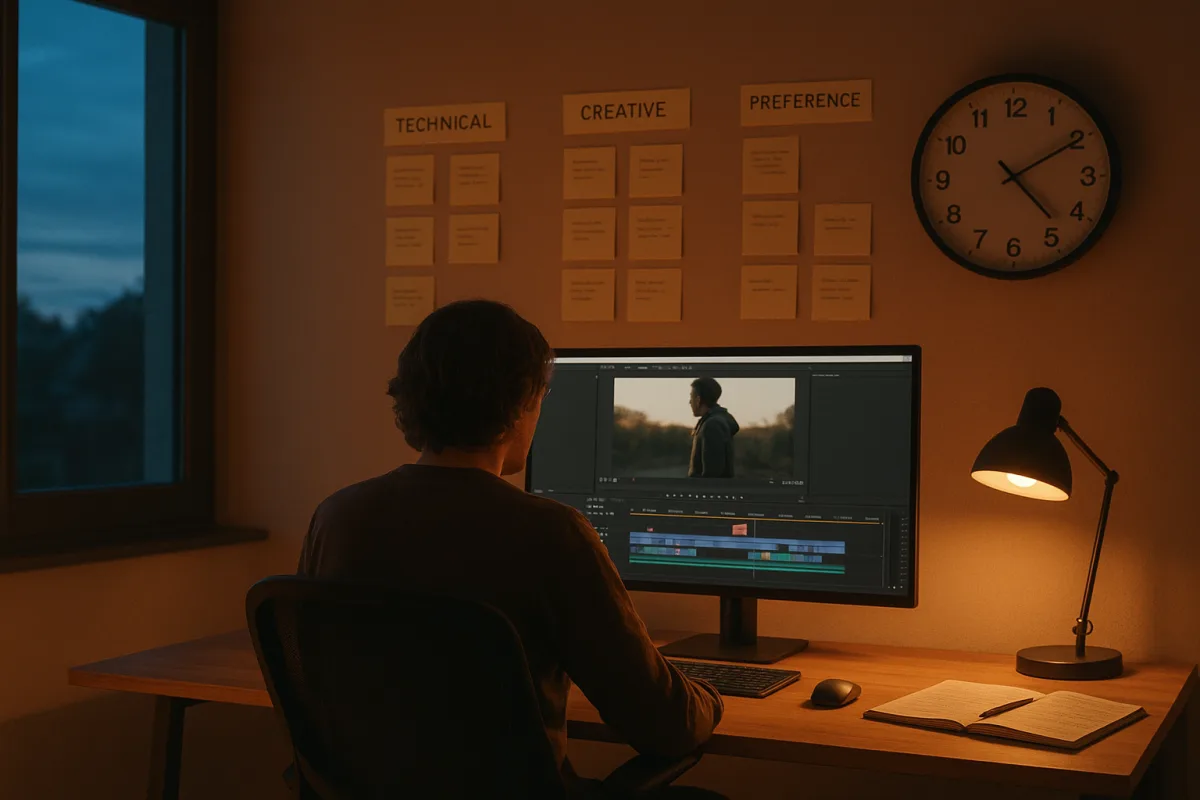
Ask reviewers to separate technical notes from creative preferences. Fix technical issues first, including incorrect copy, missing legal language, bad audio, or an outdated product shot, then handle preferences about pacing, music, or shot selection.[17]
Keep transition notes in proportion. Simple cuts, dissolves, and fades cover more than 95 percent of cases, while flashy transitions can distract from the message and create revision work that does not improve the program.[13]
Consolidate notes before reopening the timeline
Ten reviewers can produce fifty comments, including contradictory requests on the same scene. Assign one feedback lead to collect the notes, resolve conflicts, remove duplicates, and return one ordered revision list.[22]
The feedback lead should not rewrite every comment into vague generalities. Preserve frame references and reasons, but group notes under technical fixes, required content changes, and creative preferences so the editor can work through the cut efficiently.
If two executives want opposite things, the feedback lead obtains a decision before the notes reach post-production. The editor should not be asked to make the business call through alternating versions.
Consolidated feedback reduces unnecessary revision cycles and is widely recommended for efficient review workflows.[4][22] We would refuse scattered notes after the agreed consolidation deadline, unless a late change is clearly marked as a new request with an owner.
Set the clock for remote reviewers
Send each review request with a deadline, the stage name, the required reviewers, and the kind of feedback you need. “Please review” is incomplete because it gives no indication whether you need factual corrections or final approval.
A 48-hour feedback window is a common default for distributed teams, though the right window varies with project complexity and each team’s needs.[17] Use it as a starting point, then shorten or extend it only when the schedule and review burden support that change.
Commercial projects commonly allow one to three days for each review round, with total feedback and revision time often reaching four to ten days excluding editing.[9] A launch date that ignores this time is a scheduling error, not an editor performance problem.
For teams across time zones, use asynchronous frame comments as the record and reserve real-time reviews for issues that need immediate alignment. Collaborative tools can support real-time review, but the final decision still belongs in the shared approval trail.[17]
Lock approval and preserve the record
Final approval needs a named approver and an unmistakable status. A comment saying “looks good” from a stakeholder is not the same as an approved master if someone else owns release responsibility.
Ask the authorized approver to mark the current version Approved in the review system. Record the version number, approval date, deliverable format, and any approved exceptions, such as a temporary music cue or pending legal replacement.
After approval, freeze the review version and archive the associated comments. If a new request arrives, create a new version and label it as a post-approval change, so its cost and schedule effect remain visible.
This process will not remove creative disagreement. It gives disagreement a place, an owner, a deadline, and a version number, which is what keeps a collaborative edit from becoming an endless chain of exports.
Frequently Asked Questions
How do I set up an efficient video editing review workflow?
Start by defining the editing objective clearly in the project brief to guide feedback. Use one shared system to manage review links, comments, versions, and approval status before sending the first cut. Establish review stages with one owner each and set fixed response windows, typically 48 hours, to keep the process on track.
What are best practices for managing video review stages?
Create a sequence of review stages moving from editor self-review to internal review, client review, and final approval. Assign a single owner to each stage who consolidates feedback and enforces deadlines. Plan for two to three revision rounds and set expectations for handling any additional rounds before the project begins.
How can I consolidate video editing feedback effectively?
Collect all stakeholder comments in one place and have a designated person organize them into a single, ordered note set before the editor starts revisions. This prevents conflicting instructions and reduces the number of revision cycles. Frame-accurate comments with specific requested changes improve clarity and efficiency.
What tools help streamline video review and approval?
Choose a centralized platform that supports frame-accurate commenting, version stacking, and easy approval without requiring reviewers to create accounts. Popular options include Frame.io for Adobe integration, Wipster for client-friendly workflows, and Filestage for unlimited reviewers and side-by-side comparisons. Select the tool that best fits your team’s size, workflow, and integration needs.
How should video versions be named to avoid confusion?
Maintain consistent and standardized version naming that clearly links proxies and edits to camera originals. This helps prevent version-control problems during online conform and ensures everyone knows which cut is current. Avoid vague or inconsistent labels to keep the review process organized.
How we researched this
This article was assembled from 25 cited references.
Nothing here is based on hands-on testing. Where a figure or finding appears, it belongs to the source cited beside it, and the writing says so rather than implying otherwise. Every source is listed below so you can check it.
Sources
- The Complete Guide to Video Review and Client Feedback for Creative Teams | FileFeedback Blog
- Collaborative Video Editing: A Team Workflow Guide | SmoothCapture Blog
- Video Editing Revision Rounds: Best Practices for Feedback
- Creative Feedback: Our Secret to Making Videos Faster
- 9 Best Video Feedback Tools For Brands And Agencies
- Best Video Review Software 2026: 10 Tools Compared
- Best cloud storage for videographers: 9 tools compared
- Video Revision Rounds: How Many You Need and How to Keep Them Under Control - BLARE Media
- How Long Does Video Editing Take? Timelines
- How to Optimize Proxy Workflows for Video Editing - Sandia Computers
- How to Prep Footage for Remote Editing: The 2026 Checklist | PostForward
- How to give video feedback an editor can act on | post-prod.io
- 8 Common Video Editing Mistakes (Pros Always Avoid in 2026)
- 6 Common Mistakes in Video Editing and How to Avoid Them
- Video Editing Brief Mistakes That Slow You Down in 2026
- 12 Common Mistakes in Postproduction Video Editing and How to Avoid Them - Designerly
- Remote Video Post Workflow Guide | ECG | ECG Productions
- Video Collaboration Tools in 2026, A Comparison · ELBA Corp
- Veed AI video editor (2026) review
- Video Collaboration Tools: Review, Shared Media and Costs
- Collaborative Video Editing: Team Workflow Guide | Fastio
- How to Consolidate Feedback Before Submitting a Revision | MarketScale Help Center
- Video Post-Production Workflow Guide | Frame.io
- How to Choose the Right Video Collaboration Tool for Your Team | YouViCo Blog
- Team Video Editing: Collaboration Best Practices (2026) - OpenClip
Related Articles
Video Editing Revision Rounds: Best Practices for Feedback
Learn best practices for video editing revision rounds to streamline feedback, consolidate notes, and improve review timelines effectively.
Handling Client Feedback in Video Editing: Best Practices
Learn how to handle client feedback in video editing with clear processes, tools, and strategies to avoid endless revisions and streamline approvals.

Video Editing Workflow: How to Create an Efficient Process
Learn how to create a video editing workflow covering timelines, proxies, codecs, and color grading for smooth post-production.
Video Editing Delivery Specifications: Avoid Setup Mistakes
Learn how video editing delivery specifications prevent common setup errors and improve proxies, frame rates, color, and export workflows.