
Best Video Editing Formats for Web in 2026
Learn the best video editing formats for web delivery in 2026, including codec, container, and bitrate recommendations for broad compatibility.
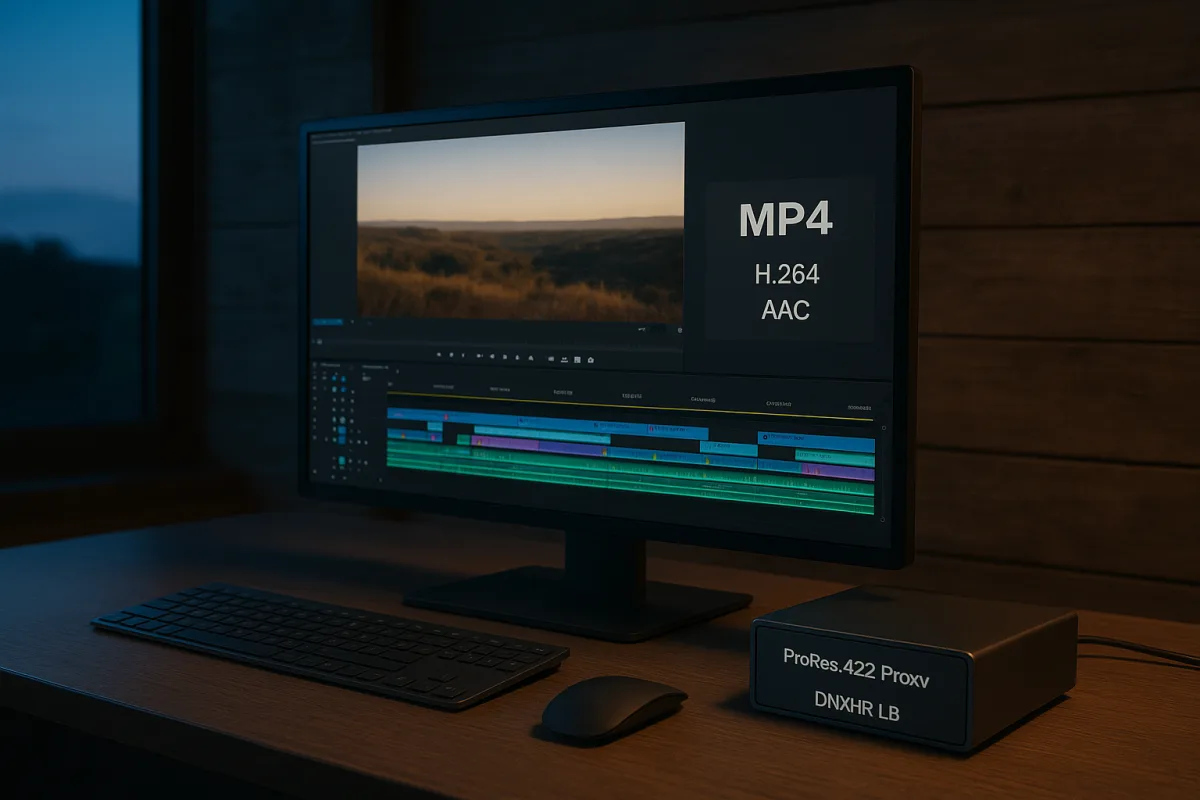
The format decision is really a decoder decision
You have a timeline that plays perfectly, a clean export, and one job: get the video online without discovering that part of the audience sees a playback error, stutter, or flat color. Start with MP4 and H.264.
For broad web delivery in 2026, the safest package is an MP4 container, H.264 video codec, and AAC audio. YouTube, Vimeo, and TikTok all recommend or prioritize this combination for uploads. [1][9][20]
That recommendation can sound dated beside AV1, HEVC, and VVC. It is still the right default because web compatibility is decided at playback, not by how efficient a codec looked in your export window.
A video file has several layers. The container, such as MP4 or WebM, organizes the video, audio, and metadata. The codec, such as H.264 or AV1, compresses the image into a stream the receiving device must decode. [2][16]
The viewer’s browser, operating system, GPU, and hardware decoder decide whether that stream plays smoothly. The platform also decides whether to accept your upload, transcode it, or deliver a different version to the viewer.
That chain is why we would export H.264 first for a general web deliverable. It is the codec with universal native support, which means fewer variables between your approved export and a viewer pressing play. [10]
Why MP4 with H.264 keeps winning
H.264, also called AVC, is a long-established interframe delivery codec. It reduces file size by storing complete reference frames and then recording changes between them, instead of storing every frame as a full image.
That makes it efficient enough for web playback while remaining easy for a huge range of devices to decode. An H.264 MP4 is a delivery file, not an editing format. Its compression saves bandwidth but makes random timeline access harder. [1][10]
The container helps here too. MP4 is widely recognized by browsers, phones, web players, and social platforms, while AAC is the standard audio pairing for broad online compatibility. [1][2][20]
For an editor, the cost of this choice is modest: H.264 is not the smallest file available at a given quality level. Newer codecs can deliver comparable visual quality at lower bitrates, but compatibility is the trade you make.
A web deliverable often travels farther than you planned. It may be embedded in a client portal, downloaded from a landing page, reposted to social media, or played on an old laptop connected to a conference-room display. H.264 covers that path.
We would skip the temptation to make one advanced codec export serve every viewer. Make H.264 your compatibility master, then create alternate versions only when you control the player, device requirements, and delivery environment.
Bitrate is where your quality budget goes
Codec choice determines how efficiently a video spends bits. Bitrate determines how many bits it actually gets. A higher bitrate generally preserves more detail, motion, texture, and gradients, but produces a larger file. [6][7]
Resolution and frame rate raise the demand. A 4K 60 fps clip contains far more image information per second than a 1080p 24 fps interview, so matching both files to one bitrate would produce different results. [7][8]
YouTube’s guidance ranges from about 8 Mbps for 1080p SDR uploads to as much as 85 Mbps for 4K HDR at 60 fps. Those numbers show the scale of the decision: resolution, dynamic range, and frame rate all change the budget. [8]
For a standard 1080p SDR export, 8 Mbps is a recognized YouTube benchmark. If your footage has fast movement, fine noise, water, foliage, confetti, or detailed graphics, it needs careful review after platform encoding. [8]
Do not confuse upload bitrate with viewer bitrate. A platform may accept your high-quality upload, then generate multiple compressed versions for streaming. Your delivered file is often the platform’s input, not the exact file your audience receives.
That is especially important for Instagram and TikTok. Both platforms aggressively recompress uploaded video, so pushing a dramatically higher bitrate does not guarantee a matching increase in final playback quality. [9][14]
Keep the original resolution for your final export unless a platform requires a different frame size. Then use the platform’s bitrate guidance as the starting point, not as a promise that its transcode will retain every detail. [8][9]
WebM, VP9, and AV1 are targeted efficiency tools
WebM is an alternative container commonly paired with VP9 or AV1. Modern browsers including Chrome, Firefox, Edge, and Safari 14 and later support WebM workflows, and VP9 or AV1 can compress more efficiently than H.264. [2][16]
That makes WebM attractive when bandwidth or hosting cost is a major concern. Smaller delivery files can reduce data transfer, especially for a site serving many plays, provided the audience uses compatible devices and browsers. [7][16]
AV1 has broad browser support, but decoding is where the caveat returns. Safari 17 and later requires hardware decoding for AV1, and older Apple devices cannot play it. [10]
VP9 has broad support and is a mature option for browser-focused delivery. Still, its hardware acceleration is less universal than H.264’s, so a technically valid file can create higher playback demands on older devices. [10][16]
We would use AV1 or VP9 for a controlled web player that can provide H.264 fallback. We would not make either the only encoded version for a public-facing video expected to reach mixed devices.
This is also why a smaller file is not automatically the better format. The file saves bandwidth only if the viewer’s device can decode it reliably. A failed or stuttering stream spends none of that efficiency well.
Why HEVC is not the universal upgrade
HEVC, also called H.265, improves compression efficiency over H.264. It can preserve a given level of quality at a lower bitrate, which is attractive for high-resolution delivery and storage. [10]
Its web problem is licensing and implementation. HEVC plays natively in Safari and can use operating-system hardware decoders on some other platforms, but support varies by browser, operating system, GPU, and installed codecs. [10]
Chrome does not include HEVC software decoding because of licensing constraints. Firefox playback can also depend on the operating system and GPU hardware, making HEVC a variable choice for a general browser audience. [10]
Vimeo accepts HEVC and ProRes uploads alongside H.264, which can make those formats viable as source uploads for Vimeo’s processing pipeline. That does not make either format a universal direct-play file for a website. [20]
Use HEVC where the delivery environment specifies it, or where a platform explicitly supports it and the audience is known. For a general embed, H.264 remains the safer export choice.
Regional standards can complicate international delivery further. Brazil has adopted VVC, also called H.266, for broadcast use, while Australia continues to rely on AVC, illustrating why broadcast adoption does not create a single global web answer. [10]
Skip AV2 and VVC for broad web delivery
VVC and AV2 promise further bitrate reductions beyond current codecs. The appeal is obvious for 4K, HDR, and high-volume streaming, where saving bits can reduce delivery demands. [3][10]
Neither is ready as a broad browser delivery baseline. VVC lacks widespread hardware and browser compatibility, while AV2 has no established widespread browser or platform support for production web deployment. [3][10]
Do not build a public delivery workflow around announcements. If your video must play today across unknown browsers and devices, use H.264 as the baseline and reserve experimental codecs for controlled tests or future planning.
Edit with proxies, deliver with web codecs
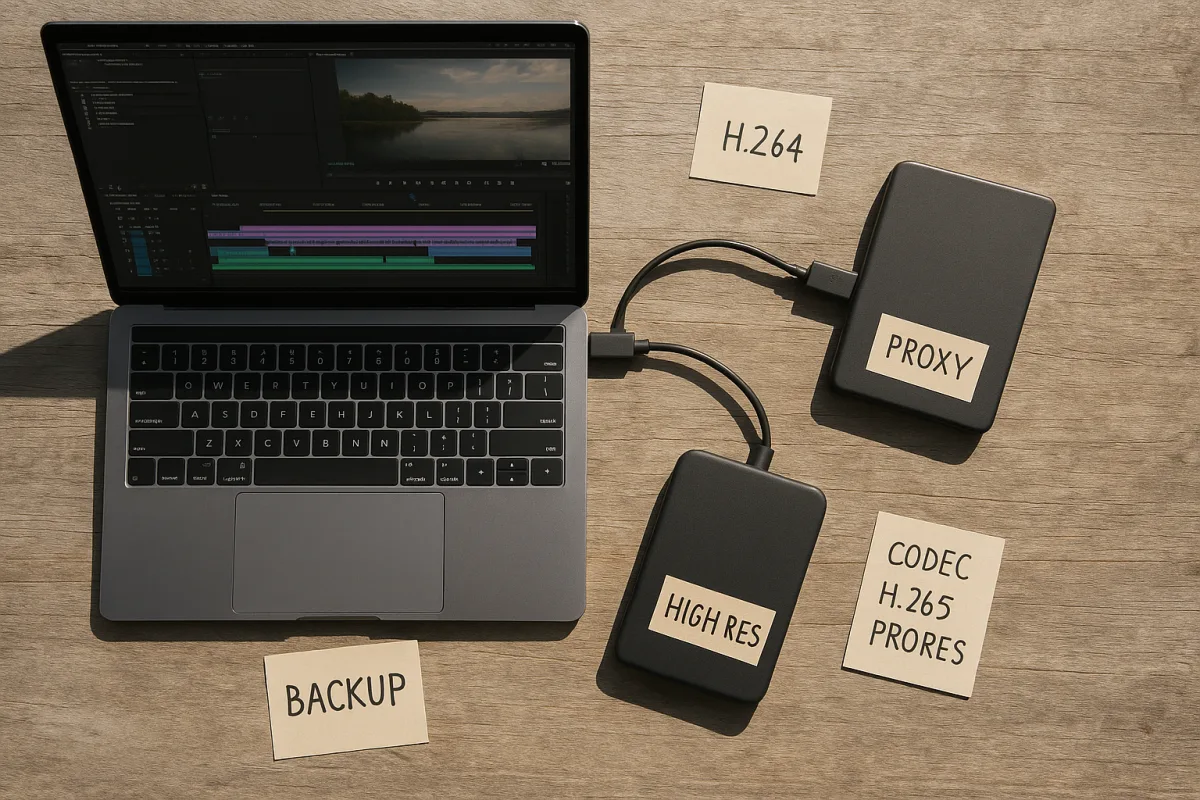
Your edit codec and your web codec should usually be different. ProRes and DNxHR are intermediate codecs built for post-production, where scrubbing, trimming, multicam playback, and relinking matter more than small delivery files. [11][12]
Their intraframe structure stores each frame independently. That increases file size, but it makes timeline access smoother because the NLE does not need to reconstruct a frame from a chain of neighboring frames.
ProRes and DNxHD or DNxHR do not have native browser support for web playback. They require transcoding for delivery, so sending them as a public-facing web file only moves the conversion problem downstream. [10]
For proxy workflows, use lower-resolution intraframe media such as ProRes 422 Proxy or DNxHR LB. Half- or quarter-resolution proxies reduce storage and decoding load while keeping editing responsive. [11][12]
The workflow is straightforward: cut with proxies, relink to the original camera media or high-quality master for finishing, then export a separate H.264 MP4 for web delivery. That separation solves more problems than codec hunting.
Do not mistake a proxy for a low-quality final export. Its job is to make the edit run well. Your delivery export should come from the conformed high-quality timeline, with the correct resolution, color settings, and platform bitrate.
Set color for the web player you actually have
For SDR web video, export Rec. 709, 8-bit, with a BT.709 transfer function and 4:2:0 chroma subsampling. This is the standard combination for broad online SDR playback. [17][19]
Rec. 709 defines the expected color system for conventional HD and SDR web video. Eight-bit delivery and 4:2:0 chroma subsampling keep files broadly compatible while matching the way web platforms commonly process video. [17][18]
Use 10-bit output when you are delivering HDR. For standard SDR social and web video, 10-bit does not solve a compatibility issue on its own and may add unnecessary complexity to the delivery chain. [17][18]
Explicit color-space tagging is essential. A correct-looking timeline can turn washed out after export or upload if the receiving software or platform interprets its color metadata differently from what you intended. [19]
Check the exported file before upload, then check the platform version after processing. If the platform result differs, confirm the export is tagged Rec. 709 before changing grades, gamma, or saturation to compensate for an interpretation problem. [19]
For most web jobs, our delivery preset would be an MP4, H.264 video, AAC audio, original resolution, platform-appropriate bitrate, Rec. 709 color tags, 8-bit depth, and 4:2:0 chroma. It is not glamorous. It gets the video played.
Frequently Asked Questions
What is the best video format for web delivery in 2026?
The best format for broad web delivery in 2026 is an MP4 container with H.264 video codec and AAC audio. This combination offers the widest playback compatibility across websites, browsers, and major upload platforms like YouTube, Vimeo, and TikTok.
Why is MP4 with H.264 recommended for web videos?
MP4 with H.264 is recommended because H.264 has universal native support, meaning it plays smoothly on most devices and browsers without compatibility issues. The MP4 container is widely recognized by web players and social platforms, and AAC audio ensures broad online compatibility.
How do video codecs affect web playback compatibility?
Video codecs determine how the video stream is compressed and decoded by the viewer’s device. Playback compatibility depends on the browser, operating system, device age, and hardware decoding support. H.264 remains the most universally supported codec, while newer codecs like AV1 or HEVC have more limited hardware support.
Should I use AV1 or H.264 for web video exports?
H.264 should be used as the default export for general web delivery due to its universal compatibility. AV1 and similar advanced codecs offer better compression but are best reserved for targeted delivery where you control the playback environment, as their hardware decoding support is not yet universal.
What bitrate is recommended for web video uploads?
Upload at the bitrate recommended by your platform, such as YouTube or Vimeo, but keep in mind that platforms like Instagram and TikTok recompress uploads and may not preserve all bitrate quality. Bitrate should balance quality and file size, with higher bitrates preserving more detail but resulting in larger files.
How we researched this
This article was assembled from 20 cited references.
Nothing here is based on hands-on testing. Where a figure or finding appears, it belongs to the source cited beside it, and the writing says so rather than implying otherwise. Every source is listed below so you can check it.
Sources
- Common Video Formats: A Practical Guide for Creators, Kudoflix Video Editing
- MP4 vs WebM vs MOV: Video Format Guide | Peregrine Vid Blog
- A big new streaming video upgrade supported by Disney, Apple, Google and more was just unveiled, and it could improve sports viewing and picture quality
- Video bitrate standards by channel | Polimake
- Facebook Video Format, Size & Upload Limits (2026 Specs)
- What is Video Bitrate? The Best Video Bitrates for Streaming
- Video File Size Explained: Bitrate, Resolution and Codecs
- YouTube Video Format: Best Upload Settings (2026)
- TikTok Video Format Guide: Specs & Requirements (2026) | Synchro
- Video Codec Comparison 2026: H.264, HEVC, VP9, AV1, VVC, AV2
- Editing Quality Video on Integrated Graphics: Workflow Guide | Domer AI
- Proxy Workflow: Formats, Sizes and Relinking | CineMath
- Video Editing on a Budget: Best Practices for 2026
- Best Video Formats for Social Media in 2026 (Complete Guide) | FluidConvert
- MOV or MP4? Best Video Format for TikTok & Social Media (2026)
- Video Formats in 2026: MP4, WebM, AV1, and Which to Use | ConvertCraft
- Best 4K60 YouTube Live Color Settings: Rec. 709 vs HDR
- Adobe Learn - Learn After Effects - Choose the right color depth
- How to Fix Washed-Out Colors in Exported Video (October 2026)
- Video and audio compression guidelines, Vimeo Help Center
Related Articles
Best Video Editing Settings for Facebook in 2026
Learn the best video editing settings for Facebook including aspect ratios, codecs, proxies, and color grading to optimize your videos for 2026.
Edit Video for Social Media: Tips on Formats, Length & Color
Learn how to edit video for social media with tips on formats, length, proxies, and color grading for optimal engagement and platform compatibility.
How to Add Subtitles to Videos: Formats, Workflow & Tips
Learn how to add subtitles to videos with the right formats, AI transcription tips, and workflows to meet accessibility and platform requirements.
Documentary Video Editing Techniques
Learn documentary video editing techniques including proxy workflows, timeline settings, codecs, and color grading for smoother, high-quality edits.