
Post Production Budgeting for Video Editing
Learn how to create a post production budget for video editing, covering labor, proxies, codecs, color grading, and delivery requirements.
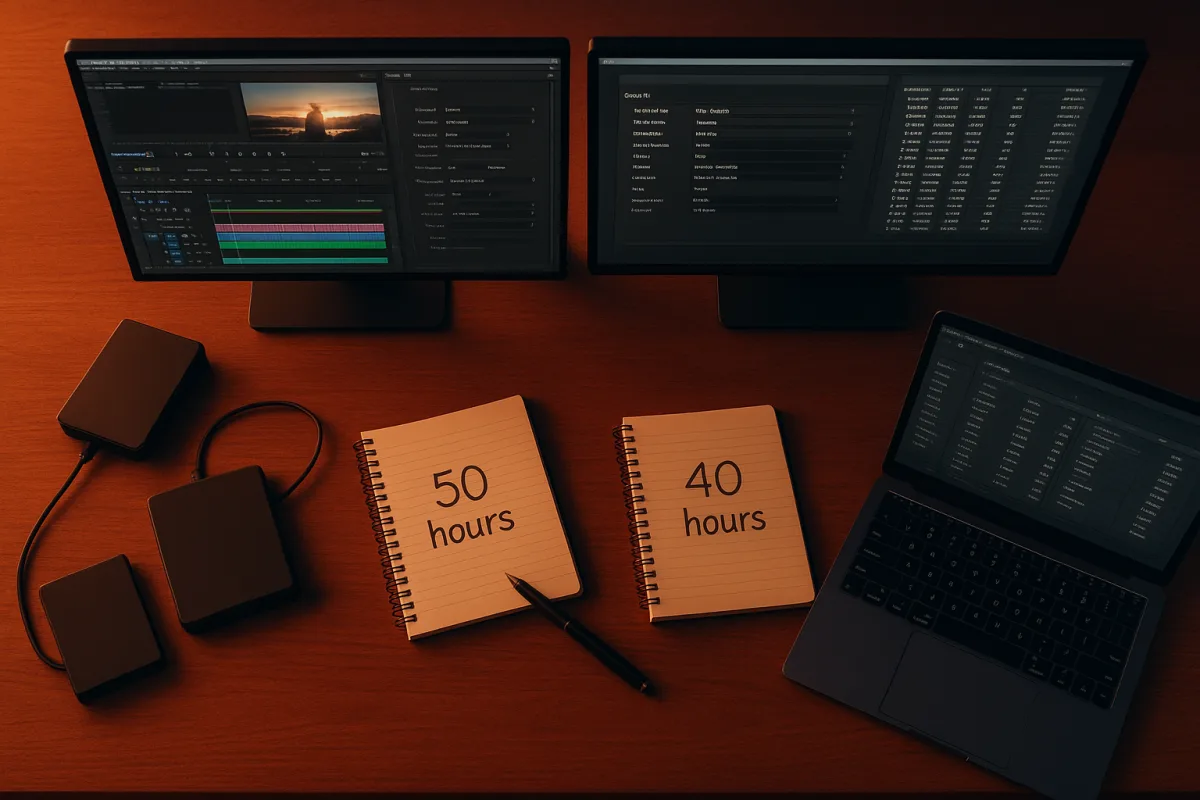
Start with the finished deliverables, not the edit
The first budget problem arrives before anyone opens a timeline. A filmmaker says they need “a film” or “a campaign,” but post-production needs a list of files, runtimes, frame rates, aspect ratios, audio versions, caption formats, and approval masters.
Write that list before you request quotes. Include the main master, social cutdowns, vertical versions, clean versions without graphics, captioned versions, and any broadcaster, festival, or client-specific deliverables. FileMender’s broadcast guidance is a useful reminder that codec requirements are not cosmetic, they are acceptance requirements. [14]
This is where a cheap edit can become expensive. If the client asks for a 16:9 master, then later decides they also need 9:16 versions with reframed interviews, burned-in captions, and alternate calls to action, you have added editorial, graphics, review, exports, and quality control.
Do not assume the editing budget is a fixed share of the whole production. Saturation.io puts post-production at roughly 10 to 20 percent of a total film budget, while Filmfarm’s guidance puts standard $5 million films at 15 to 30 percent and VFX-heavy work at 50 to 60 percent. [16][17]
Those ranges are not contradictory. They describe different jobs. A straightforward interview edit with supplied graphics has little in common with a drama requiring visual effects, conform, sound post, grading, legal clearances, and multiple delivery masters.
There is no reliable published percentage for editing alone within post-production. Do not invent one for your spreadsheet. Separate editing, assistant editing, storage, music, sound, colour, graphics, VFX, mastering, captions, and contingency into individual lines.
Build the budget in the order the work happens
Use three broad headings: preparation, production, and post-production. The practical mistake is treating post as a single late-stage vendor cost, when editorial decisions begin during prep and production decisions determine whether the edit will be quick or painful.
In preparation, budget for a post supervisor or editor to review camera settings, frame rates, timecode, audio recording, naming conventions, and delivery requirements. That review can be short, but it is cheaper than discovering mismatched frame rates or unusable audio after the crew has wrapped.
Production costs also affect the editing bill. Badly labelled cards, no camera reports, scratch audio that cannot be synced, missing release forms, and footage copied to one fragile drive all create assistant-editor work later. None of that is solved by buying a faster computer.
Make a simple assumptions sheet beside the budget. Record shooting days, expected shooting ratio, number of cameras, total source hours, resolution, codec, number of interview subjects, graphics count, music approach, review rounds, and final deliverables.
Then write what is included. “Three rounds of consolidated client notes” is budgetable. “Unlimited changes until everyone is happy” is not. The latter turns your schedule into a moving target and makes an otherwise reasonable editor quote look high.
Vimerse’s 2026 turnaround guidance treats editing time as variable by project scope rather than a fixed number of days. [5] That is the right basis for planning: a one-minute social edit can take longer than a five-minute interview if the short version needs scripts, motion graphics, captions, approvals, and eight stakeholder rounds.
Price editorial labour with enough detail to approve it
Rates vary far more by market and experience than many first-time filmmakers expect. ReelRate lists US freelance video editor rates from $25 to $150 per hour in 2026, depending on experience and the nature of the work. [1]
Increditors reports UK freelancer rates around £15 to £80 per hour, Western Europe at roughly $30 to $130 per hour, and Eastern Europe at roughly $15 to $65 per hour. [2] Those figures help compare quotes, but they do not make two editors interchangeable.
VideoEditingCompany.com similarly places North American editing labour at about $45 to $150 per hour, compared with lower ranges in Asia and Eastern Europe. [6] Regional rates can reduce a line item, but time-zone overlap, language, review logistics, and handoff quality still have budget consequences.
Ask each editor to quote by phase. A useful estimate separates ingest and organisation, sync, string-outs, rough cut, fine cut, graphics integration, online/conform, exports, revisions, and archive. If a quote includes only “editing,” you cannot see where a change request lands.
Also decide whether the editor supplies an edit suite, software licences, storage, and review platform. VizEdits notes that the real cost of an edit includes software and time, not just the visible cutting hours. [7] A low hourly rate can be less attractive if each extra requirement becomes an unpriced add-on.
For software, distinguish recurring operating costs from a project purchase. Adobe Premiere Pro is listed from $22.99 to $69.99 per month, depending on plan, while DaVinci Resolve Studio is a $295 lifetime licence. [8] Premiere Pro suits teams already committed to Adobe’s subscription ecosystem, while Resolve Studio can suit projects wanting a one-off licence with strong finishing capability.
That is a licensing comparison, not a claim that either NLE is universally cheaper. The better choice depends on who is cutting, grading, collaborating, and delivering the project. Switching NLEs to save a subscription can cost more than it saves if it interrupts an established workflow.
Budget media before the camera cards are full
Storage is where “we will work it out later” becomes expensive. Tools for Film warns against choosing a codec purely for reputation, specifically calling out the tendency to reach for ProRes 4444 when its storage and playback demands are unnecessary. [11]
For many edit-friendly acquisition or transcode workflows, ProRes 422 HQ is presented as a more balanced option, with roughly 40 percent lower storage needs than ProRes 4444 in the cited comparison. [11] That does not mean it is right for every project, particularly work requiring alpha channels or higher-fidelity finishing.
Build storage from the format you are actually shooting, not from the final runtime. The research brief estimates 4K ProRes 422 HQ at roughly 110GB per hour, while 8K ProRes RAW can require 200 to 400GB per hour. Those numbers make shooting ratio a budget variable, not a production trivia question.
Plan for working storage, duplicate backup, and archive storage. A single drive holding both the only camera copy and the active project is not a backup plan. If a team will work remotely, add upload time, cloud storage, transfer fees, and the time needed to verify copies.
For solo 4K work, the brief recommends 20 to 40TB of usable storage. Small 8K teams may need 80 to 160TB usable. Price media separately from enclosures, redundancy, networking, backup drives, and replacement capacity.
Current indicative storage pricing in the brief is $40 to $50 per TB for HDD, $60 to $80 per TB for SATA SSD, and $70 to $100 per TB for NVMe SSD. HDD capacity suits nearline storage and archive, while SSD and NVMe storage better suit active editing, caches, and multicamera playback.
Treat proxies as a schedule decision
Proxies can save editing time, but they are not a universal checkbox. Editorcuts.com specifically warns that no single proxy setting fits every NLE, camera codec, effects workload, or delivery requirement. [12]
Before committing the whole shoot to a proxy format, transcode a representative sample. Include the hardest material: multicamera sections, noisy low-light footage, high-frame-rate clips, screen recordings, long takes, and footage that will receive stabilisation, noise reduction, or graphics.
Test it in the actual NLE and on the actual editing system. Confirm that proxies attach reliably, timecode remains correct, audio channels survive, relinking works, and the final export pulls from camera originals rather than proxy files.
Budget the proxy creation method as well as the codec. Coconut provides cloud transcoding services with pricing that scales by workload and output choices. [3] That may suit teams that need predictable processing without dedicating an edit workstation to transcodes.
Cloud processing can shorten the gap between shoot and edit, but it is not free time. TV Technology reported a remote post workflow using Telestream Vantage Cloud that reduced media-to-edit turnaround to six hours. [4] Your own turnaround will still depend on upload bandwidth, source volume, review, and handoff checks.
The budget should therefore include a proxy test day or test batch, a transcoding estimate, storage for both originals and proxies, and a recovery plan when a card arrives late or an upload fails. That is less glamorous than a camera line, but it protects the edit schedule.
Reserve money for colour, sound, and master checks
Do not let “picture lock” consume the entire post budget. EditVideo.io identifies neglected colour grading and poor delivery-format management among common editing mistakes. [13] Both problems tend to appear when the deadline is close and the money has already gone.
Budget colour as its own task, even if the editor will do a basic grade. Ask whether the work includes exposure matching, white-balance correction, look development, skin-tone work, power windows, noise reduction, shot tracking, and final colour-managed exports.
The answer changes with the footage. Mixed cameras, log footage, uncontrolled locations, and archival clips take longer than a single well-managed camera setup. A polished reference still from the director is not a colour brief unless it identifies the intended contrast, saturation, and skin-tone treatment.
Sound deserves the same separation. Editorial can clean obvious problems, but dialogue editing, noise reduction, music licensing, sound design, mix, loudness compliance, and alternate mixes are separate jobs. Do not assume they are included because an editor can export a video with audio attached.
Before final delivery, budget a technical quality-control pass. FileMender’s broadcast codec guidance reinforces the practical point: delivery specifications must be checked before submission, not after a platform or broadcaster rejects the file. [14]
Finally, hold a contingency. BlareVideo recommends allowing 10 to 15 percent for post-production contingency, alongside warning against underestimating post costs. [15] Use it for the things that actually happen: a revised script, a missing release, a new platform version, a corrupted upload, or a late client request.
The goal is not to make the budget look padded. It is to make it survivable. A post budget that includes media management, tested proxies, defined revisions, finishing, delivery checks, and contingency gives filmmakers a better chance of shipping the version they promised.
Frequently Asked Questions
How do I budget for different phases of video post production?
Budget post-production as a distinct phase separate from production and preparation. Typical guidance suggests post-production can take 10 to 20 percent of the total film budget for straightforward projects, rising to 50 to 60 percent for VFX-heavy work. Include detailed line items such as editing, assistant editing, sound, color grading, graphics, VFX, mastering, captions, storage, and a 10 to 15 percent contingency. Also, plan editorial labor based on hours and revision rounds rather than vague packages.
What percentage of a film budget should go to post production editing?
Post-production overall usually accounts for 10 to 20 percent of a film budget for standard projects, with VFX-heavy productions reaching 50 to 60 percent. However, there is no reliable published percentage specifically for editing alone within post-production. It is best to separate editing costs from other post activities like sound, color, and VFX to get an accurate estimate.
How to estimate labor costs for video editing?
Estimate editorial labor by calculating the expected hours and number of revision rounds rather than using fixed editing packages. US freelance editor rates in 2026 range from $25 to $150 per hour depending on experience and project complexity. Rates vary internationally, with UK editors charging roughly £15 to £80 per hour and Eastern European rates around $15 to $65 per hour. Request quotes broken down by editing phases for better accuracy.
What are the cost implications of using proxies in video editing?
Proxy workflows vary widely depending on the editing software, camera format, effects load, and delivery requirements. Testing proxy settings on representative footage before committing to a schedule is essential to avoid delays. Proxy creation and transcoding costs depend on provider and resolution, with prices ranging from about €0.15 per minute for SD proxies to €1.30 per minute for UHD transcoding. Cloud-based proxy workflows can reduce turnaround times significantly.
How do codec choices affect post production budgets?
Codec selection impacts storage requirements, playback performance, and workflow efficiency. For example, ProRes 422 HQ offers a balance between quality and storage, reducing storage needs by about 40% compared to ProRes 4444. Choosing codecs solely based on reputation without considering storage and delivery requirements can lead to increased costs and workflow complications. Lock delivery requirements and codec choices early to avoid costly rework.
How we researched this
This article was assembled from 17 cited references.
Nothing here is based on hands-on testing. Where a figure or finding appears, it belongs to the source cited beside it, and the writing says so rather than implying otherwise. Every source is listed below so you can check it.
Sources
- Video Editor Rates in the US (2026) | ReelRate
- Video Editor Hourly Rates 2026: US vs Global
- Cost-Effective Video Transcoding Service & API | Coconut®
- Accelerating Remote Postproduction: How We Scaled Editorial With Vantage Cloud
- Video Editing Turnaround Times: What Is Normal in 2026 | Vimerse
- Video Editing Hourly Rate by Country: 2026 Data
- The Real Cost of a Video Edit: Software, Time, and What We Actually Charge For — VizEdits
- Video Editing Software Pricing 2026: 20 Tools Compared
- Wondershare Filmora AI video editor (2026) review
- Movavi Video Editor 2026: An affordable and feature-packed non-linear video editor
- Video Codecs Explained for Filmmakers: RAW vs. LOG vs. Compressed and When to Use Each | Tools for Film
- Video Editing Codec Mistakes to Avoid for Smoother Workflows
- 10 Video Editing Mistakes to Avoid in 2026 (And How to Fix Them)
- "Video Codec Requirements for Broadcast: A Complete Guide" | FileMender Blog
- How to Allocate Funds for Film Post-Production Costs
- Film Budget Breakdown by Department | Saturation.io
- Production Budget · Filmfarm Lexikon
Related Articles
Video Editing Workflow: How to Create an Efficient Process
Learn how to create a video editing workflow covering timelines, proxies, codecs, and color grading for smooth post-production.
How to Use Green Screen in Video Editing: Setup and Tips
Learn how to use green screen in video editing with tips on setup, lighting, materials, and software for clean chroma key results.
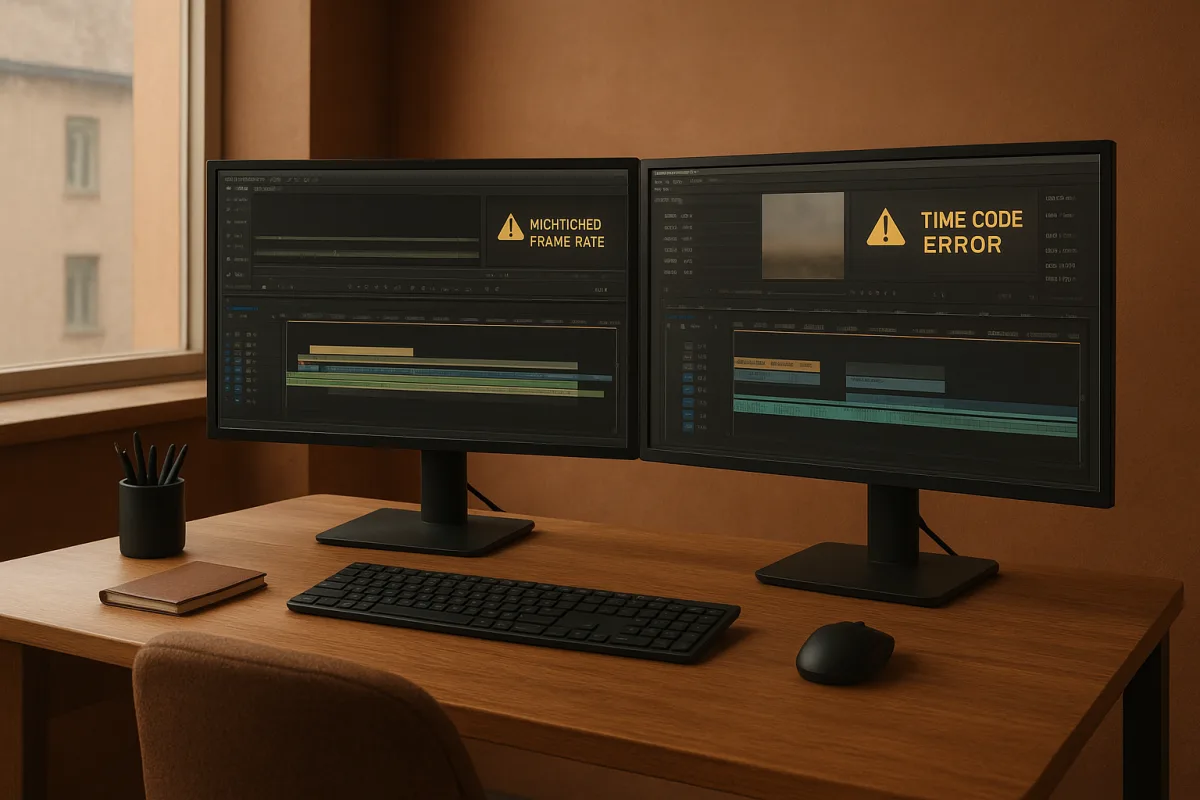
Common Mistakes in Video Editing
Learn common mistakes in video editing including timeline setup, frame rate mismatches, and timecode errors to improve your post-production workflow.
Edit Video for Educational Content
Learn how to edit video for educational content with tips on timelines, proxies, codecs, and color correction for engaging teaching videos.