
Best Cameras for Video Production 2026
Compare the best cameras for video production in 2026, focusing on Sony FX6 and Panasonic Lumix S1R II features, codecs, and post-production workflows.
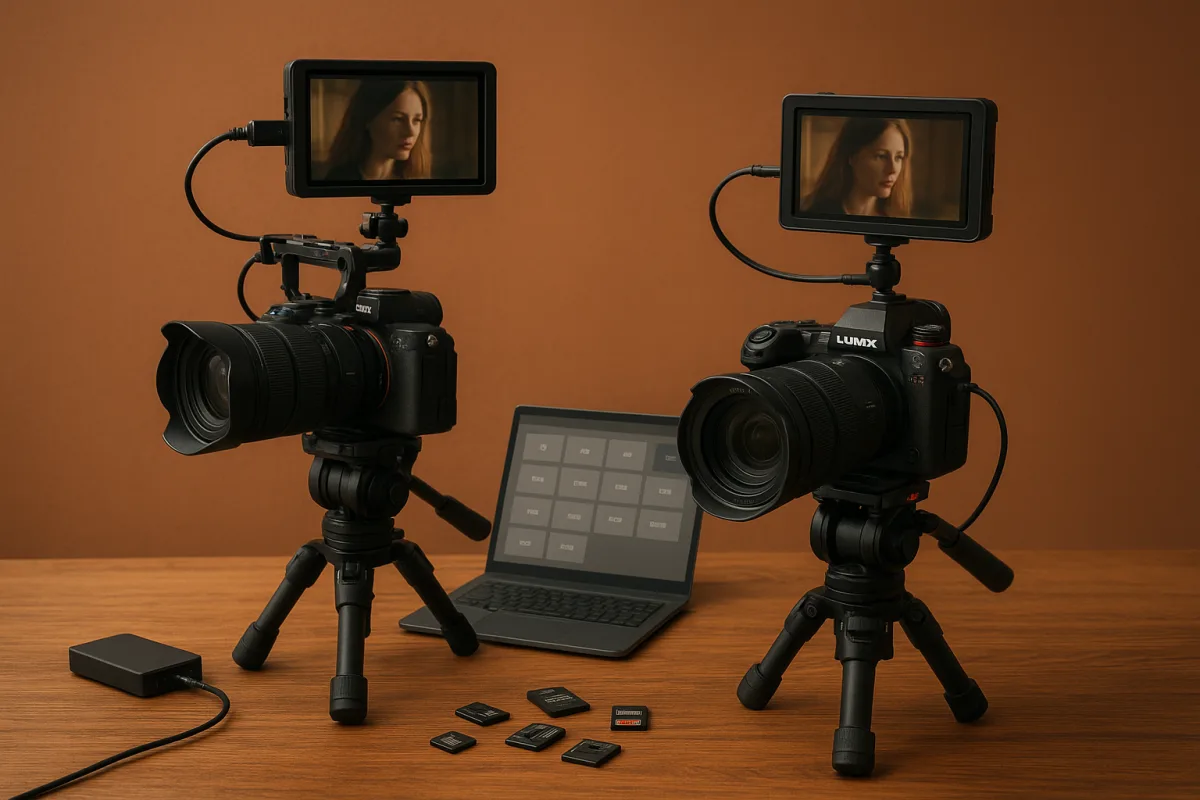
Choosing the Right Camera for Video Production in 2026: Sony FX6 vs. Panasonic Lumix S1R II
When it comes to selecting the best camera for video production, especially under tight deadlines and complex post workflows, the decision often hinges not on the flashiest specs but on how well the camera integrates with your editing timelines, codec preferences, proxy workflows, and color grading demands. In 2026, the market offers a wide range of options, from entry-level vloggers’ tools to high-end cinema cameras. Today, we’ll focus on two premium contenders in the full-frame mirrorless category: the Sony FX6 and the Panasonic Lumix S1R II. Both are lauded for their video capabilities, but understanding their key differences will help you pick the one that genuinely suits your production needs.
Neither of these cameras is a casual purchase; both come with professional ambitions and price tags to match. Neither is the latest Sony FX5, which remains unavailable due to indefinite production delays [5]. Instead, these two represent solid, available choices with proven track records.
Sensor and Resolution
Sony FX6 features a full-frame sensor tailored for video, praised for its dual ISO performance and built-in ND filters, critical for controlling exposure in changing lighting without adding workflow overhead like color correction artifacts [14]. The FX6’s sensor is optimized for video with a lower megapixel count compared to pure stills cameras, which means less rolling shutter and better low-light performance.
Panasonic Lumix S1R II offers a 44.3MP full-frame sensor that balances high-resolution stills with 8K video capability at 30p [6]. While this makes it a strong hybrid camera for creators who need both stills and video, the higher megapixel count can lead to larger files and more demanding post workflows. The Lumix supports internal ProRes RAW recording, a codec prized for color grading flexibility and simplified proxy workflows.
If your priority is clean, low-noise video with quick exposure changes and fewer post headaches, the FX6’s video-optimized sensor and dual native ISO might serve you better. For productions where stills quality is equally important, or where 8K resolution is a must, the Lumix S1R II’s sensor wins out but at the cost of heavier files and potentially longer render times.
Video Resolutions and Frame Rates
Sony FX6 records up to 4K 60p internally with 10-bit 4:2:2 color sampling and supports external RAW recording, which gives editors more latitude in post-production grading without transcoding penalties [14]. The FX6’s full-frame readout avoids cropping, preserving field of view and depth of field control, beneficial for narrative filmmakers.
The Panasonic Lumix S1R II pushes into 8K video recording at 30p internally and supports ProRes RAW recording, which is a significant advantage for colorists and editors who want maximum data fidelity [6]. However, 8K files are heavy, requiring robust storage solutions and longer processing times. The S1R II’s 8K at 30p is a trade-off between future-proofing and current workflow efficiency.
For editors on a tight schedule or with less powerful systems, the FX6’s 4K 60p workflow is more manageable and still professional-grade. If your pipeline includes high-end grading and 8K delivery requirements, the Lumix S1R II makes more sense, provided you have the storage and processing power to handle it.
Codec Support and Post-Production Workflow
Sony FX6 supports popular professional codecs like XAVC-I and XAVC-L internally, with external ProRes RAW options when paired with recorders, facilitating smooth proxy workflows and color grading with minimal transcoding [14]. This makes it a favorite among editors who want to spend less time waiting for files to transcode and more time in the timeline.
Panasonic Lumix S1R II’s internal ProRes RAW recording is a key advantage, delivering 12-bit RAW files with broad dynamic range and color depth [6]. This codec is well supported in popular NLEs like Adobe Premiere Pro and Final Cut Pro, improving grading flexibility. However, ProRes RAW files are large, so editors need fast storage and may require proxy workflows to maintain editing responsiveness.
If your post-production setup can handle large files and benefits from maximum color data, the S1R II’s codec offerings align well. For streamlined workflows with reliable codecs and external RAW options, the FX6 is more straightforward.
Stabilization and Handling
Sony FX6 includes built-in electronic stabilization and dual native ISO, providing excellent low-light performance without excessive noise, which reduces the need for extensive noise reduction in post [14]. The built-in ND filters allow quick on-the-fly exposure adjustments without swapping filters or relying on post fixes.
Panasonic Lumix S1R II boasts advanced in-body image stabilization (IBIS) that works well for handheld shooting, an asset for documentary or run-and-gun styles [6]. However, the higher resolution sensor can amplify micro jitters, making stabilization essential but also sometimes less forgiving.
For productions where mobility and quick adjustments are frequent, the FX6’s combination of filters and ISO control offers practical advantages. The S1R II’s IBIS is solid but may require additional rigging or gimbals for smoother results in demanding scenarios.
Battery Life and Media
Neither camera offers definitive manufacturer numbers for continuous recording times at high resolutions, but Sony FX6 generally enjoys longer battery life due to its video-centric design and efficient power management [14]. Panasonic Lumix S1R II’s high-resolution sensor and 8K recording are more power-hungry, often requiring battery swaps or external power solutions for extended shoots [6].
Both cameras rely on high-speed CFexpress or SD cards to handle their data rates. The FX6’s compatibility with CFexpress Type A cards supports faster write speeds essential for 4K 60p and RAW workflows. The Lumix S1R II also supports CFexpress, but 8K RAW files demand top-tier cards and larger storage budgets.
Cost and Regional Pricing Considerations
In terms of cost, both cameras are premium options, with the Lumix S1R II often priced higher due to its hybrid stills and video capabilities [6]. Regional pricing varies widely due to tariffs and import taxes: US tariffs on Japanese and Thai imports have historically added $500 to $900 on flagship models, and European markets like Italy see even higher markups [13]. Recent US Supreme Court rulings in early 2026 have invalidated some tariffs, which could improve pricing but the full market effect is yet to be seen.
When budgeting, remember that the sticker price excludes essential accessories such as lenses, media cards, extra batteries, and ND filters (if not built-in). Both cameras require investment beyond the body for a fully functional video rig.
Who Should Choose Which?
Choose Sony FX6 if:
- You prioritize a camera designed primarily for video with full-frame sensor readout and minimal cropping.
- You need built-in ND filters and dual native ISO to simplify exposure in varying conditions.
- Your workflow benefits from efficient codecs like XAVC-I and external RAW options.
- You require longer battery life and manageable file sizes for faster turnaround.
- You want a compact, versatile cinema camera for documentary, narrative, or event work with robust post-production codec support.
Choose Panasonic Lumix S1R II if:
- You need a hybrid camera that excels in stills (44.3MP) and offers top-tier video resolution up to 8K 30p.
- Your workflow includes advanced color grading with ProRes RAW internally recorded.
- You have the storage, processing power, and time to manage large 8K files and want to future-proof your footage.
- You shoot handheld often and want the benefit of strong in-body image stabilization.
- Your production demands both high-res photography and professional video without switching cameras.
Where Both Fall Short or Are Close
Both cameras provide excellent image quality and support professional codecs critical for contemporary post workflows. However, the FX6’s video-optimized sensor and features make it a smoother choice for pure video productions, whereas the Lumix S1R II’s hybrid nature means compromises in workflow speed and storage demands.
Neither camera offers definitive battery life figures or continuous shooting times at maximum resolution, so plan accordingly. Both require investing in high-speed media and accessories, which add to the total cost beyond the base unit.
In conclusion, the choice between the Sony FX6 and the Panasonic Lumix S1R II comes down to your specific production needs and post-production workflow capabilities rather than sheer specs. The FX6 is a leaner, more video-tailored solution, ideal for time-sensitive projects and those emphasizing dynamic exposure control. The Lumix S1R II appeals to creatives who want the highest resolution stills and video combined, with the trade-off of managing heavier files and longer processing times.
No single camera is a definitive winner; instead, understanding where each excels and where it demands concessions helps you pick the right tool, not the flashiest one, for your video production work in 2026.
Frequently Asked Questions
Which camera is better for video production in 2026, Sony FX6 or Panasonic Lumix S1R II?
The Sony FX6 is optimized for video with a sensor designed for low noise, dual native ISO, and built-in ND filters, making it well suited for clean, low-light footage and quick exposure adjustments. The Panasonic Lumix S1R II offers higher resolution stills and 8K video at 30p, appealing to hybrid shooters and those needing future-proof 8K workflows but with larger files and more demanding post-processing. Your choice depends on whether you prioritize streamlined video performance (FX6) or high-resolution and 8K capability (Lumix S1R II).
How do Sony FX6 and Panasonic Lumix S1R II compare for post-production workflows?
The FX6 supports professional codecs like XAVC-I and XAVC-L internally, with external ProRes RAW options that simplify proxy workflows and reduce transcoding time. The Lumix S1R II records internal ProRes RAW at 12-bit, offering excellent color grading flexibility but resulting in large files that require fast storage and proxy workflows for smooth editing. The FX6 generally enables more straightforward, efficient post workflows, while the Lumix S1R II suits setups that can handle heavier data for maximum image quality.
What codecs do Sony FX6 and Panasonic Lumix S1R II support for video editing?
Sony FX6 uses XAVC-I and XAVC-L internally and supports external ProRes RAW recording when paired with compatible recorders. Panasonic Lumix S1R II features internal ProRes RAW recording at 12-bit, providing high dynamic range and color depth. Both cameras’ codecs are widely supported in professional NLEs like Adobe Premiere Pro and Final Cut Pro, but ProRes RAW files from the Lumix are larger and more demanding on storage.
Which camera offers better stabilization for video production?
The Panasonic Lumix S1R II includes advanced in-body image stabilization (IBIS) that benefits handheld and run-and-gun shooting styles. The Sony FX6 features built-in electronic stabilization combined with dual native ISO and built-in ND filters, which help maintain image quality and exposure control with less reliance on post-processing. The Lumix’s IBIS is effective but may require additional stabilization gear for very smooth footage, while the FX6’s system offers practical advantages for quick adjustments and low-light scenarios.
How do battery life and media requirements differ between Sony FX6 and Panasonic Lumix S1R II?
Neither camera provides definitive manufacturer figures for continuous recording times at high resolutions. The Panasonic Lumix S1R II’s 8K ProRes RAW files demand robust storage solutions and fast media cards to handle large file sizes efficiently. The Sony FX6’s 4K 60p workflows produce smaller files that are easier to manage with typical professional media, generally resulting in less storage strain. Battery life specifics are not clearly stated, so consulting official specs is recommended for precise recording duration expectations.
Sources
- Sony Alpha A7R V Mirrorless Camera - Tuttle Cameras
- Best cameras 2026: Reviewed and ranked by pros | Live Science
- Digital Camera Price Guide 2026: How Much Does a Digital Camera Cost?
- Cameras for Recording YouTube Videos | Best Picks for 2026
- Switch camera systems for less! I've compared these full-frame mirrorless cameras - and they're now more affordable
- Panasonic Lumix S1R II Mirrorless Camera Body DCS1RM2 Mirrorless Cameras - Vistek Canada Product Detail
- The industry's most popular cinema camera gets a huge upgrade - and the Sony FX5's open gate video isn't even the best bit about the FX3 successor
- The 6 Best 4k Cameras of 2026 - RTINGS.com
- Best GoPro camera in 2026
- 6 Best 4K Cameras of 2026: Sony, Nikon, Panasonic and More
- Common Mistakes When Buying Cinema Cameras: A 2026 Professional Guide, UBMS
- How to Build a Corporate Video Studio: A Complete Planning Guide - Ikan
- Is the Italian markup on the Blackmagic Micro Studio | comGateway
- Sony FX6
- Sony FX3A
- Nikon ZR
- DJI Osmo Pocket 4P review: The ultimate vlogging camera gets a second lens
- Sony Mirrorless Cameras For Sale
Related Articles
Best Microphones for Video Production
Compare the best microphones for video production, focusing on DJI Mic 2 and Hollyland Lark M2S for wireless dialogue capture and post-production ease.
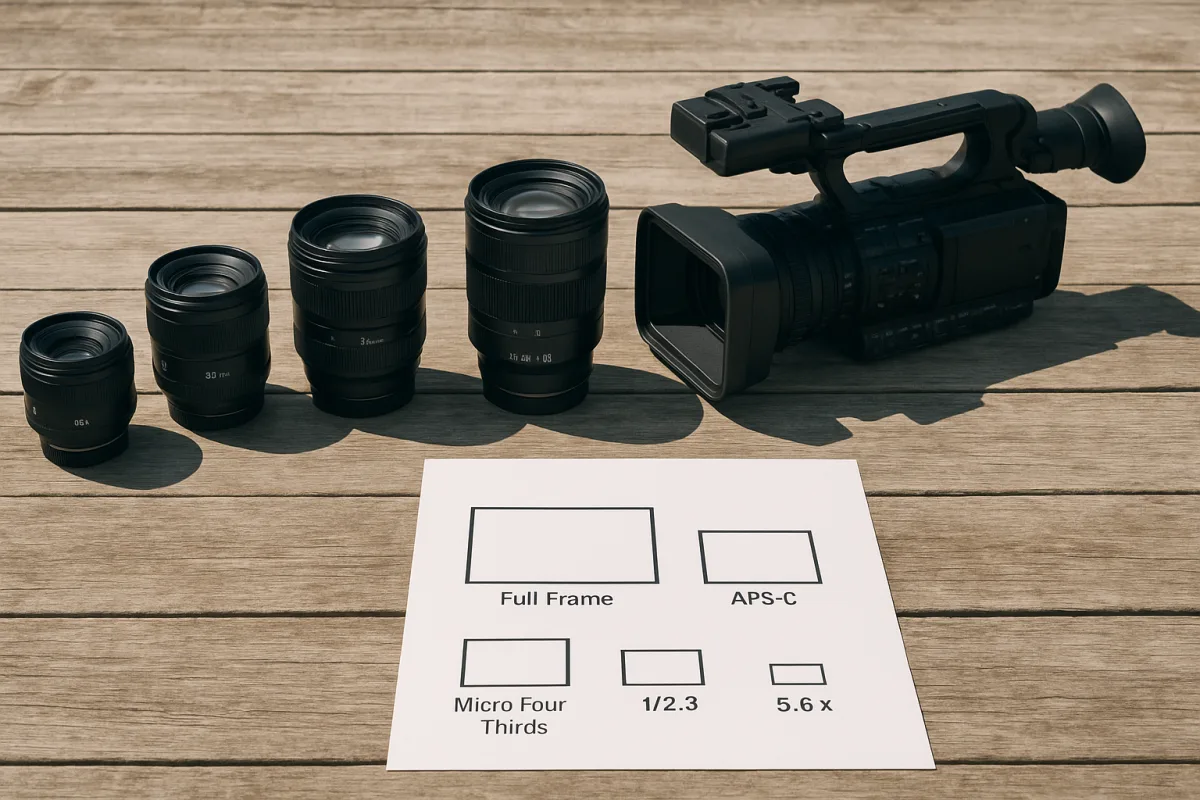
How to Choose the Right Lens for Video Production
Learn how to choose the right lens for video, covering focal length, sensor size, aperture, and practical tips for better video production.
Common Mistakes in Video Editing
Learn common mistakes in video editing including timeline setup, frame rate mismatches, and timecode errors to improve your post-production workflow.
Best Video Editing Software for Mac
Compare Final Cut Pro 10.6 and DaVinci Resolve 18 to find the best video editing software for Mac users focused on Apple Silicon and 4K workflows.