
Video Editing Pacing Techniques for Engaging Storytelling
Learn effective video editing pacing techniques to enhance storytelling and engage your audience emotionally.
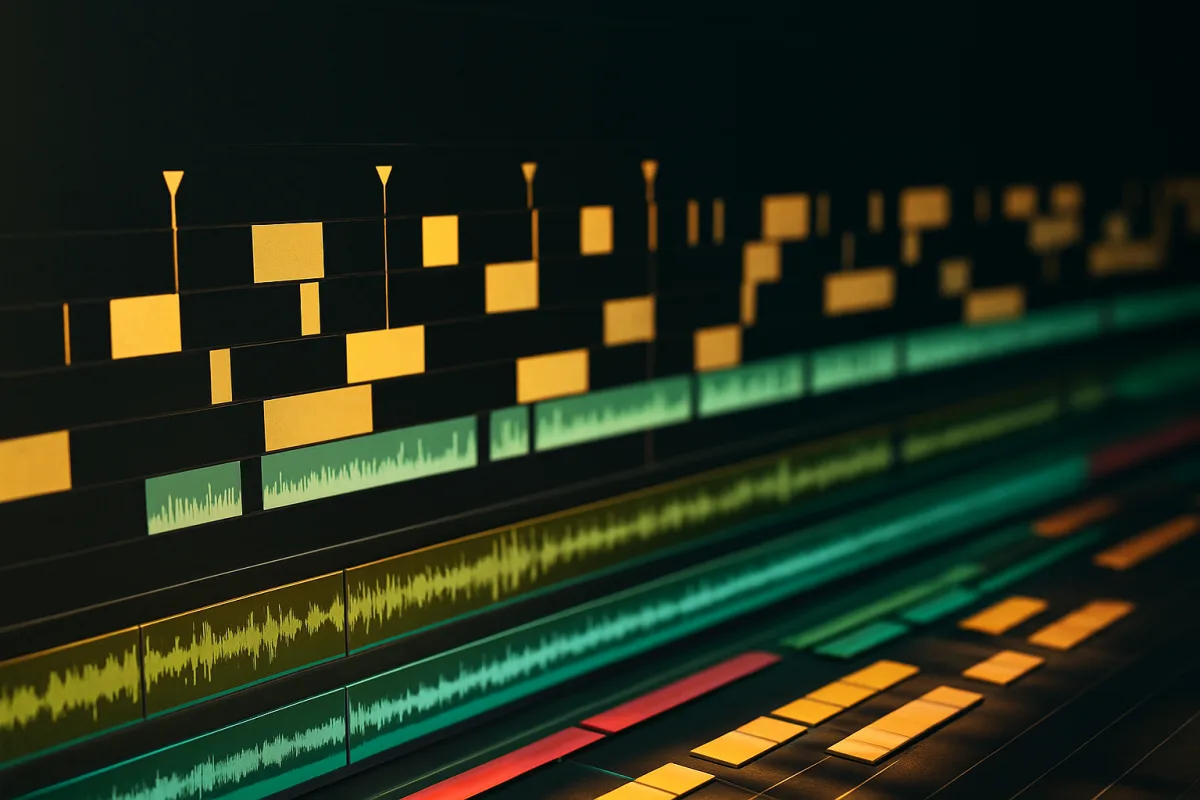
Mastering the Art of Pacing in Video Editing
When it comes to video editing, one technique reigns supreme in its ability to transform a mundane sequence into a gripping narrative: pacing. It’s the unsung hero of the editing suite, the invisible hand that guides the viewer’s emotional journey without them even realizing it. Much like a finely tuned sports car that glides over a serpentine road, good pacing is what separates the pedestrian from the cinematic; it’s what turns a simple cut into a masterstroke of visual storytelling.
What is Pacing?
At its core, pacing refers to the speed at which a story unfolds on screen. It encompasses the rhythm of cuts and transitions, the timing of dialogue, and even the strategic placement of music and sound effects. Think of it as the tempo of your video; just as a conductor guides musicians to create a harmonious piece, an editor orchestrates the flow of a film or video to elicit specific emotional responses.
This technique is not merely about how fast or slow a scene plays out; it’s about maintaining viewer engagement and emotional resonance. Too slow, and you risk boring your audience into submission. Too fast, and you might leave them disoriented, struggling to keep up with the narrative. The fine art of pacing lies in finding that sweet spot where the audience is both captivated and comfortable.
The Mechanics of Pacing
Pacing involves a delicate balance of several elements:
Cutting Techniques: Techniques like cutting on action, match cuts, and even jump cuts, despite their contested reputation, play a crucial role in establishing pace. Cutting on action, for instance, creates a seamless flow that keeps the viewer engaged. When a cut occurs at the peak of a movement, it maintains the momentum of the scene and enhances immersion.
Rhythm and Timing: The rhythm of your cuts should mirror the emotional arc of the narrative. Action sequences may benefit from rapid cuts to heighten excitement, while emotional scenes might call for longer takes to allow the weight of the moment to settle. A well-timed pause can serve as a dramatic beat that amplifies tension or highlights a character's internal struggle.
Sound Design and Music: The audio landscape of your video is just as important as the visuals. Music can elevate the emotional stakes of a scene, and sound design can provide crucial auditory cues that guide the viewer’s emotional response. For instance, a crescendo in the score can signal an impending climax, while silence can create an unsettling tension that resonates with the audience.
The Cost of Poor Pacing
Neglecting the intricacies of pacing can lead to disastrous outcomes. A poorly paced video can feel disjointed, confusing, or even tedious. In the world of online content, where viewer attention spans are notoriously short, this can be particularly damaging. A study by the marketing platform Wistia indicates that videos under two minutes long see the highest retention rates, suggesting that viewers are less likely to stick around for longer, poorly paced videos.
Conversely, a well-paced video can lead to higher viewer engagement and retention, making it a worthwhile investment of time and resources. The stakes are high; in the competitive realm of content creation, mastering pacing can mean the difference between a viral hit and a forgotten upload.
Who’s Involved in Pacing?
Pacing is not solely the responsibility of the editor, although they play a pivotal role. Directors, cinematographers, and even sound designers all contribute to the overall pacing of a piece. Directors establish the vision and emotional tone of the narrative, while cinematographers determine shot composition and movement that can inherently influence pacing. Sound designers create audio landscapes that complement the visual pacing, making it a collaborative effort that requires open communication and shared understanding of the project's goals.
The Outcome: Emotional Engagement
Ultimately, the objective of mastering pacing is emotional engagement. Effective pacing enhances storytelling by controlling the ebb and flow of tension, allowing the viewer to connect with the characters and narrative on a deeper level. A well-paced video can evoke laughter, tears, or even suspense, engaging the audience in a way that a poorly paced video simply cannot.
Common Mistakes in Pacing
Despite its importance, many editors fall victim to common pitfalls that hinder effective pacing. Here are a few mistakes to watch out for:
Inconsistent Timing: Mixing fast cuts with long takes without intention can confuse viewers, leaving them unsure of how to feel about a scene. Consistency in timing helps establish a rhythm that guides the audience through the story.
Neglecting Sound: Overlooking the importance of sound design can disrupt the emotional pacing of a video. A moment of silence may be more impactful than a busy score, but it must be used judiciously.
Excessive Jump Cuts: While jump cuts can be effective in certain contexts, overusing them can lead to disorientation and a jarring viewing experience. It’s essential to use them sparingly and in service of the story.
Conclusion: The Power of Pacing
In the realm of video editing, pacing is the lifeblood of engaging storytelling. It requires a keen understanding of timing, rhythm, and emotional resonance. By mastering the art of pacing, editors can create narratives that not only captivate but also resonate with their audiences.
While it may take time to hone this skill, the payoff is undeniable: a well-paced video leads to greater viewer engagement, emotional impact, and ultimately, a more compelling story. So, whether you’re editing a heartfelt vlog or a high-octane action sequence, remember that pacing is your ally. Embrace it, study it, and let it guide you toward creating videos that leave a lasting impression.
In the world of video editing, mastering pacing is not just a technique; it's a fundamental principle that can elevate your work from the ordinary to the extraordinary. And as every great editor knows, in this fast-paced digital age, capturing and holding your audience's attention is the ultimate prize.
Frequently Asked Questions
What are the best pacing techniques for video editing?
Effective pacing techniques include cutting on action, which maintains flow and immersion, and using match cuts to enhance continuity. Additionally, the rhythm of cuts should align with the emotional arc of the narrative, ensuring that action sequences utilize rapid cuts while emotional scenes may require longer takes.
How does pacing affect video storytelling?
Pacing significantly influences viewer engagement and emotional resonance. A well-paced video can control the ebb and flow of tension, allowing the audience to connect more deeply with the characters and narrative, while poor pacing can lead to confusion and disengagement.
What common mistakes should I avoid in video pacing?
Common mistakes in pacing include inconsistent timing, which can confuse viewers, neglecting sound design that disrupts emotional pacing, and excessive use of jump cuts that may lead to disorientation. Being aware of these pitfalls can help maintain a coherent and engaging narrative flow.
How can I improve the pacing of my videos?
To improve pacing, focus on maintaining consistent timing throughout your edits, ensuring that the rhythm of cuts reflects the emotional tone of the story. Additionally, pay attention to sound design, as it can greatly enhance the emotional impact and overall pacing of your video.
Sources
- The Art of Videography Editing Techniques for Visual Storytelling
- YouTube Editing for Storytelling: Cuts and Music
- 15 Video Editing Tips That Make Your Content Look Professional (2026)
- What is frame rate and why does it matter in movie making? | Adobe
- What frame rate should I use for video?
- What is colour grading? Everything you need to know
- Best video editing software for beginners 2026: Easy to use apps | TechRadar
- Best Video Editing Software for Beginners 2026 | CIMT Video Editing Course
- Adobe Premiere Elements 2026 review: The latest edition of Adobe's beginner-friendly video editor is feature-rich, but can get complicated fast
- Audio Basics for Video Editing: Dialogue, Music, and Clean Mixes : Video Editing Fundamentals: From Raw Footage to Finished Cut | Cursa
- Video Editing Tips from a Professional Production Team (2026) | Ruah Creative House
- 10 Video Editing Mistakes to Avoid in 2026 (And How to Fix Them)
- Common Video Editing Mistakes Beginners Should Avoid | Bidmonline
- Professional Video Editing Transitions: A Breakdown
- Video Transitions: A Practical Guide for Editors | Lumira Studio
- 5 Editing Mistakes Beginners ALWAYS Make
- How long does it take to edit a YouTube video?
- How Long Does Video Editing Take? - Simorgh Podcast Studio
- Best Export Settings for YouTube in 2026 (Clear, Simple Defaults) - AutoVidtor Blog
- Instagram Video Format: Specs for Every Placement 2026
- The Ultimate Guide to Instagram Video Formats in 2026 (Dimensions, Specs & Strategy)
- How to Upload 4K Videos to Instagram (2026 Best Settings)
Related Articles
Video Editing Techniques for Storytelling: Pacing & Rhythm
Learn video editing techniques for storytelling, focusing on pacing, shot length, and rhythm to enhance narrative impact.
Video Editing Techniques for Corporate Videos
Learn effective video editing techniques for corporate videos, including timelines, proxies, codecs, and color grading best practices.
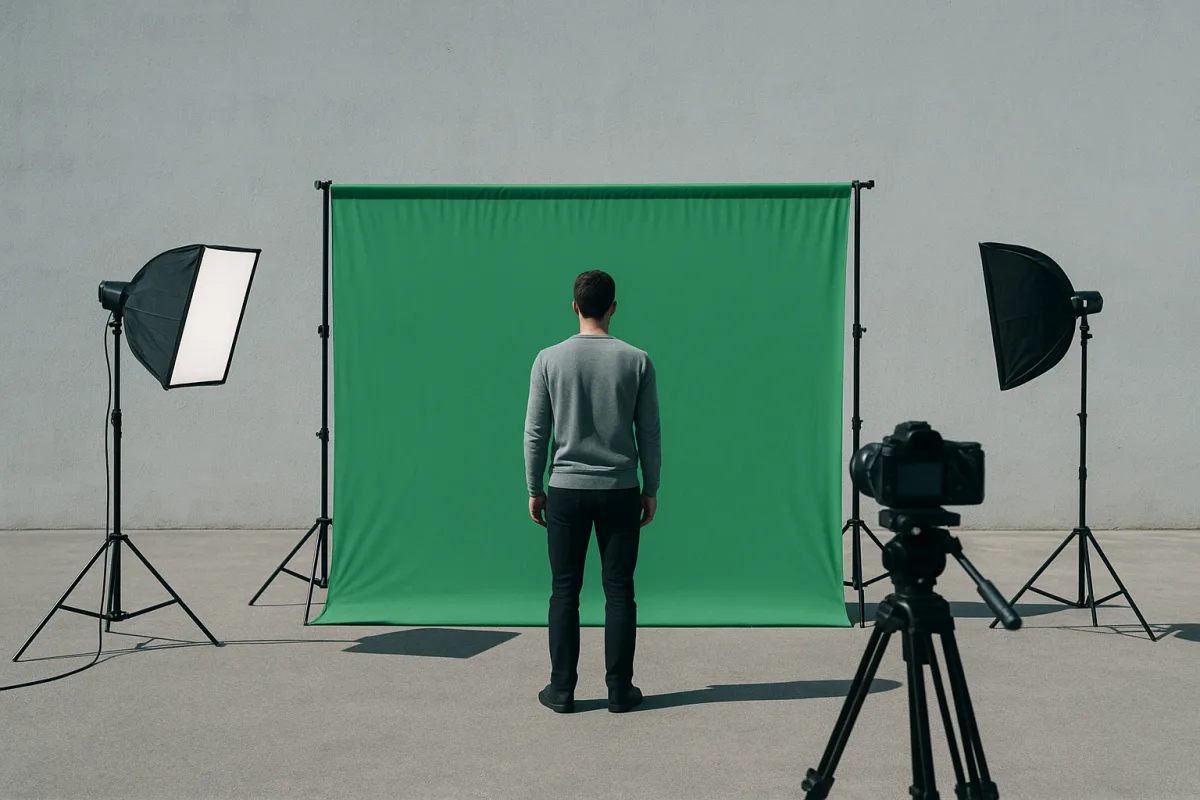
How to Use Green Screen in Video Editing: Setup and Tips
Learn how to use green screen in video editing with tips on setup, lighting, materials, and software for clean chroma key results.
Edit Video for Social Media: Tips on Formats, Length & Color
Learn how to edit video for social media with tips on formats, length, proxies, and color grading for optimal engagement and platform compatibility.