
Top Video Editing Software for Beginners: CapCut vs iMovie
Discover the best video editing software for beginners with a comparison of CapCut and iMovie to find the right fit for your editing needs.
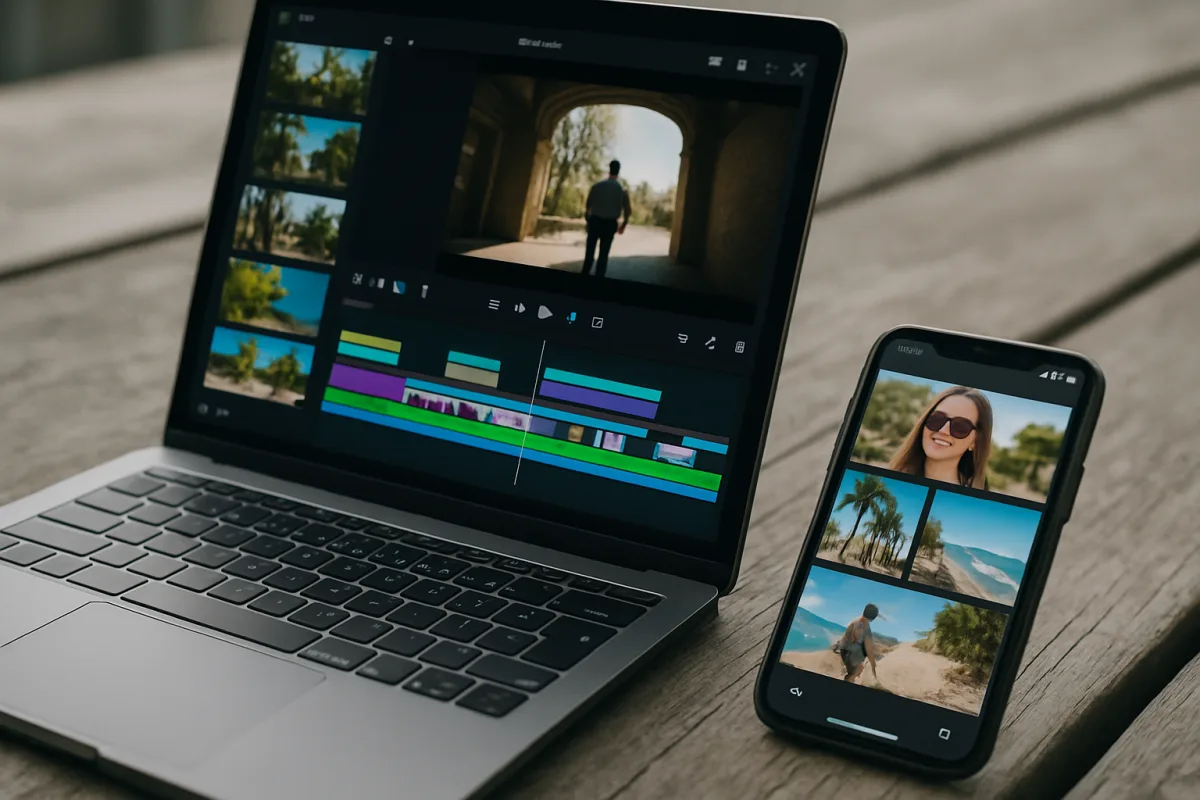
Choosing the Best Video Editing Software for Beginners: A Head-to-Head Comparison of CapCut and iMovie
When diving into video editing, selecting the right software can determine whether the learning curve feels like a steep mountain or a gentle slope. With numerous options available, two contenders frequently cited for beginners are CapCut and iMovie. While both programs are designed with user-friendliness in mind, they cater to different user needs and environments. This article will compare these two platforms across several criteria to help you make an informed decision.
1. User Interface and Accessibility
CapCut: This software has gained immense popularity, particularly among social media content creators. Its interface is designed to be intuitive, enabling users to drag and drop clips into a timeline effortlessly. However, while the basic functionalities are straightforward, some users report feeling overwhelmed by the advanced AI features that may not be intuitive for absolute beginners. The app’s mobile-first design is tailored for quick edits, especially for platforms like TikTok and Instagram, making it accessible for those primarily editing on their phones.
iMovie: Exclusively available for Mac users, iMovie prides itself on its clean and simple interface. The layout is straightforward, allowing beginners to grasp the basics of video editing swiftly. Users can quickly access essential tools without sifting through complex menus. However, the exclusivity to macOS can be a significant limitation for those who do not own Apple devices, making it less accessible than CapCut.
2. Features and Functionalities
CapCut: One of CapCut's standout features is its AI-driven tools, which can assist in tasks like automatic scene editing and sound enhancement. While these features can simplify certain processes, they may also complicate things for those unfamiliar with video editing principles. Additionally, CapCut provides a variety of templates, effects, and transitions that are particularly appealing to social media marketers. However, users seeking more advanced editing capabilities may find the software lacking as they progress.
iMovie: iMovie offers a selection of basic editing tools, including transitions, effects, and audio editing capabilities. However, it falls short in terms of advanced features that could benefit users looking to grow their editing skills. Although it does provide a straightforward experience for creating polished videos, the lack of advanced functionalities may hinder those with aspirations of more complex projects.
3. Learning Curve and Support
CapCut: For absolute beginners, the learning curve can vary. Those who are familiar with mobile apps may find it easier to adapt, but the added complexity from AI features can be a hurdle. CapCut’s online community and tutorial resources are growing, offering assistance for users navigating its myriad features.
iMovie: The learning curve for iMovie is generally shorter. Users can expect to familiarize themselves with its functionality within a week or two. The software also benefits from Apple's extensive support resources, including user guides and forums, which can help beginners troubleshoot issues.
4. Pricing and Value
CapCut: The basic version of CapCut is free, making it an attractive option for beginners. However, users may encounter limitations in features or face privacy concerns when using the app. For those looking for additional functionalities, CapCut Pro is available for $7.99 per month, which unlocks more advanced tools and features.
iMovie: iMovie is free for Mac users, providing excellent value for those within the Apple ecosystem. The cost-free access eliminates financial barriers, especially for beginners. However, users should consider that the lack of advanced features might require them to invest in more robust software later on, potentially resulting in higher overall costs for a complete editing solution.
5. Output Quality and Limitations
CapCut: While CapCut allows users to export high-quality videos for social media, its free version may impose restrictions on export resolutions or introduce watermarks on final products. This scenario can be frustrating for those wishing to produce professional-quality work without additional costs.
iMovie: iMovie supports various output qualities, including 4K resolution, which is beneficial for users aiming for high-quality videos. However, its limitations become apparent when users wish to export projects in advanced formats or require specific customization options that are often found in professional software.
6. Who Should Choose Which Software?
CapCut: Ideal for social media content creators and those looking for a quick, mobile-centric editing experience, CapCut serves users who primarily produce short videos for platforms like TikTok or Instagram. However, the advanced functionalities may be overwhelming for complete novices who might benefit from a more straightforward editing tool. If you are focused on rapid content creation with the help of AI features, CapCut is a solid choice.
iMovie: Best suited for Mac users who need an intuitive starting point for video editing, iMovie is perfect for those who want to create simple, polished videos without delving into complex editing concepts. However, if you aspire to tackle more ambitious projects or require advanced features in the future, you might find iMovie limiting.
Conclusion
Both CapCut and iMovie have distinct strengths and weaknesses that cater to different types of beginners. CapCut excels in offering a free, mobile-friendly platform with advanced features that appeal to social media creators. In contrast, iMovie provides a straightforward and user-friendly experience for Mac users, although it may lack the depth required for more advanced video projects.
Ultimately, your choice should depend on your editing goals, the devices you use, and how much complexity you are willing to embrace as you embark on your video editing journey. Both options have a place in the beginner’s toolkit, but understanding these nuances will help you select the right software for your needs.
Frequently Asked Questions
What is the best video editing software for beginners?
The best video editing software for beginners largely depends on individual needs and preferences. CapCut is often recommended for those focused on social media content creation due to its mobile-friendly interface and AI-driven features. In contrast, iMovie is favored by Mac users for its straightforward design and ease of use, making it suitable for creating simple videos.
Which video editing software is easiest to use for beginners?
iMovie is generally considered easier to use for beginners, especially for those on Mac devices, due to its clean interface and straightforward functionality. CapCut, while user-friendly for mobile editing, may present challenges with its advanced AI features for those unfamiliar with video editing concepts.
How do I choose video editing software as a beginner?
When choosing video editing software as a beginner, consider your device compatibility, editing goals, and the complexity of features you are willing to learn. If you're a Mac user looking for simplicity, iMovie may be ideal. Alternatively, if you aim to create quick social media content, CapCut could be a better fit, despite its potential learning curve with advanced tools.
Sources
- Clipchamp vs CapCut - Discover Which One Fits Your Content Needs
- Best AI Video Editors for Beginners (2026) | Eliro
- Лучшие платные и бесплатные программы для монтажа видео на ПК и смартфоне
- Best Video Editing Software for Beginners 2026 | ClipVerdict
- Movie Maker in Windows 11: Native Tools and Their Alternative
- Microsoft Clipchamp (2026) review
- Movavi Video Editor - Download - CHIP
- Movavi Video Editor 2026: An affordable and feature-packed non-linear video editor
- Blackmagic Pocket Cinema Camera | Blackmagic Design
- I'm a video editor and this is the best video editing software of 2026 for creative professionals and creators
- Easy video editing software | Adobe Premiere Elements 2026
- Filmora Pricing 2026: $49.99/yr or $99.99 Perpetual
- VEGAS Pro Pricing 2026: $19.99/mo Subscription or $399 Perpetual
- DaVinci Resolve 21 (2026) review: Our top free video editing app gets big improvements and a new Lightroom-style Photos tool for color-grading images
- CyberLink PowerDirector 365 (2026) review
- Purchase | Video Editor
- Adobe Premiere Pro System Requirements | 6 Essential PC Spec
- System Requirements : OpenShot Studios, LLC
- DaVinci Resolve System Requirements for Windows, macOS, and Linux
- Best video editing software for beginners 2026: Easy to use apps | TechRadar
- How to Start Video Editing in 2026, Beginner’s Guide
- The best video editing apps
- Basics of Video Editing for Beginners (August 2026) Complete Guide
- 5 Most Common Editing Mistakes Beginners Make (and How to Avoid Them) - motionbank21
- Common Video Editing Mistakes Beginners Should Avoid | Bidmonline
- 7 Common Premiere Pro Mistakes Beginners Make - Startupik | Startup magazine
- Five common video editing mistakes and how to avoid them
- 10 Common Mistakes Beginners Make in Video Editing 2026 - Arraya Studios
- Common Mistakes to Avoid When Selecting the Best Software for Editing - Reference.com
- CapCut Pricing 2026: Free, Standard & Pro Breakdown
- DaVinci Resolve Price in 2026
- Adobe Premiere Pro Pricing 2026: Plans, Hidden Costs & Cheaper Alternatives
- Filmora Pricing 2026: Plans, Hidden Costs & Cheaper Alternatives
- Video Editing Software For Beginners - Spledit
- 16 Best Video Editing Software for Beginners
- OpenShot Video Editor | Features
- CyberLink PowerDirector 365
- Adobe Premiere Elements 2026
- Clipchamp
- DaVinci Resolve
- Vmake
Related Articles
Best Video Editing Apps for Mobile
Compare the best video editing apps for mobile in 2026, focusing on CapCut and LumaFusion features, workflows, and performance tips.
Best Video Editing Software for Mac
Compare Final Cut Pro 10.6 and DaVinci Resolve 18 to find the best video editing software for Mac users focused on Apple Silicon and 4K workflows.
How to Choose Video Editing Software
Learn how to choose video editing software by comparing Premiere Pro and DaVinci Resolve on timelines, proxies, codecs, and color grading workflows.

Unlocking Hidden Insta360 App Features: A Comprehensive Tutorial
Discover hidden features in the Insta360 app version 2, including framing guides, proxy mode, navigation shortcuts, MultiView, photo-to-video conversion, color correction, and customizable export settings. Master the art of reframing shots with this detailed tutorial.