
Copyright Issues in Video Editing
Learn how to handle copyright issues in video editing with tips on clearance, licensing, fair use, and rights management before final export.
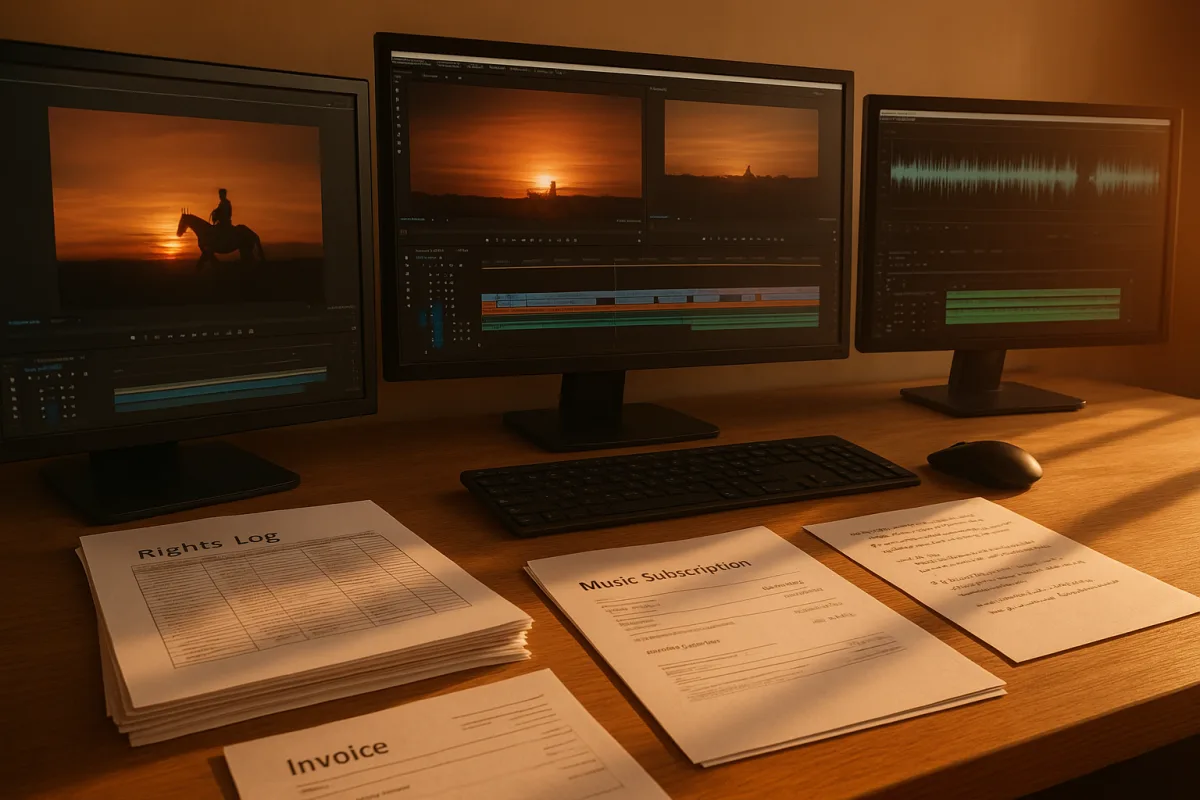
Copyright Clearance for Editors: Fix the Rights Problems Before Picture Lock
1. Before you cut, establish what you actually received
The first copyright problem usually arrives disguised as an ordinary production handoff. A drive shows up with camera originals, a folder called “music final,” downloaded social clips, a client logo package and several unnamed screen recordings.
Do not begin by building the timeline from that pile. Create a rights log alongside the project file, with one row per asset or asset group: filename, source, creator or supplier, license type, permitted territory, media, term, attribution requirement and approval status.
Use the same identifiers in the edit. If the timeline says MUS_014, the log should identify the exact track, license document and cut used. “Epidemic-style library music” or “client supplied” is not enough when somebody asks six months later.
For footage, separate ownership from permission. A client may own the camera files but not the artwork on a wall, music playing in a shop, a stock still dropped into a presentation, or a third-party clip captured on a phone.
This is workflow, not a hardware problem. Faster shared storage will not repair a project whose editor cannot identify where a shot came from. Put the clearance status in bins, keywords or custom metadata before assistants generate proxies and before editors start making selects.
We would use plain language labels such as Cleared, Needs licence, Editorial review, Do not use, and Expired after campaign. A red tag on a clip is much cheaper than discovering an uncleared shot after online conform.
2. Price the replacement before you promise to “sort it later”
When an asset is not cleared, decide early whether to license it, replace it, recreate it, blur it, crop it, mute it, or remove it. Do not leave an orange marker in the final act and assume clearance will be simple.
Stock-footage licenses range from free consumer-library options to roughly £20 to more than £2,000 per clip from mid-tier suppliers, according to the UK pricing guide published by MKTRL Production. Subscriptions are commonly £30 to £200 a month. [4]
That range matters because a low-cost web license may not cover paid advertising, broadcast, worldwide use, client handoff, perpetual use, or a project expected to remain online for years. Read the actual license, especially the permitted media and term.
Raw footage and buyout language deserve the same attention. VideoEditingCompany’s pricing explainer distinguishes standard licensing from arrangements involving raw footage, rush fees and broader buyouts. A client buying an edit does not automatically mean it has bought unrestricted rights to every third-party element within it. [5]
Clearance also has a schedule. Simple permissions may take days, ordinary cases can run weeks or months, and difficult clearances can take several months. A rights holder can refuse entirely, so do not make an irreplaceable unlicensed clip the emotional center of the cut. [6]
On a deadline, cut a cleared alternate version at the same time. Keep the timing, narration and graphics functional without the risky clip or track. That gives the producer a real decision rather than a late-night legal argument over whether the reference “really matters.”
3. Handle music before it gets baked into the edit
Temp music is one of the fastest ways to create a legal and editorial mess. Once a client approves a cut built around a commercial track, changing the rhythm, transitions and emotional shape costs far more than licensing a suitable track at the start.
Set up a music cue sheet as soon as a track touches the timeline. Record title, composer, publisher, library, license number, start and end timecode, version, territory, platforms and whether it is background, featured, live, or source music.
The cost difference is substantial. Royalty-free music subscriptions commonly cost $200 to $500 per year, while individual track licenses can range from $50 to $2,000. Licensing a recognized song for synchronization can run from $5,000 to $500,000 or more. [6]
A custom composition can cost $500 to $10,000 or more, according to LegalClarity’s licensing guide. [6] That may be the sensible route when a campaign needs a perpetual, worldwide, paid-media arrangement that a consumer-facing library license does not cover.
Do not assume “royalty-free” means free, transferable or unrestricted. It generally describes the licensing model, not the absence of conditions. Check whether the account holder, client, production company and downstream agency are each covered by the license.
Also listen to the production audio. Music captured incidentally in a restaurant, gym, event hall or car can still create a rights issue. If it is not essential, replace it with room tone, edit around it, or flag it for legal review before sound mix.
4. Do not edit around a made-up fair-use percentage
There is no safe five-second, ten-second or ten-percent rule in US fair use. The U.S. Copyright Office identifies four factors: the purpose and character of the use, the nature of the original work, the amount used, and the effect on the potential market. [1]
Commercial use is not automatically unlawful, and non-commercial use is not automatically safe. But a client film, branded social post or monetized channel is a poor place to rely casually on an exception that depends on the specific context and may be litigated.
The US Supreme Court’s 2023 decision tightened the practical room for calling a new use “transformative.” That does not erase fair use, but it should stop editors treating a different color grade, meme caption or reaction insert as a clearance strategy. [1]
If criticism, review, commentary, parody or news reporting genuinely requires source material, preserve the editorial rationale. Keep the script, review notes and source reference that explain why that exact excerpt was needed and why the amount used was proportionate.
That documentation will not guarantee a defense. It does, however, give counsel and producers something better than “the editor found it online.” If the intended use can be achieved with licensed footage, original shooting or a described still, that route is easier to defend.
Editors working in the UK or Canada should be especially cautious about importing US fair-use assumptions. Fair dealing is limited to defined purposes such as criticism, review, news reporting, education and parody, rather than being a broad open-ended exception. [13]
5. Treat AI assets as jurisdiction-specific, not automatically original
Generative-video and image tools create a new gap in the ordinary “who shot this?” workflow. Save the prompt, tool name, generation date, input images, output version and the tool’s commercial terms in the same rights record as stock and commissioned assets.
In the US, the Copyright Office excludes AI-generated works from copyright protection. [1] That can complicate claims of ownership over an entirely machine-generated output, even if your project may still involve protected human writing, editing, graphics or source material.
The UK and EU have not reached a final settled legislative answer on AI-generated content. The UK policy debate is particularly volatile: TechRadar reported only 3 percent public support for allowing AI developers default use of copyrighted work. [3]
That uncertainty is a reason to avoid telling a client that an AI shot is “copyright-safe.” It may have unresolved ownership, training-data or platform-terms questions. Use it only after the producer understands the tool’s terms and the relevant territory is identified.
Do not confuse an AI output’s uncertain copyright status with permission to use it however you want. A generated shot can still resemble protected characters, trademarks, artwork or living people. The edit may also incorporate copyrighted reference material supplied to the generator.
6. Export for the actual platform, not an imaginary universal rulebook
A clean master is not necessarily cleared for every upload destination. Before export, make a delivery matrix listing platform, account type, monetization, paid promotion, duration, territory and any platform-provided music or effects used in the edit.
TikTok relies on automated copyright scanning, and business accounts have restrictions on use of TikTok’s music library. Personal accounts can also lose access to music options when a post is included in paid promotion. [12]
That means a vertical social cut that works organically from a personal account may need different music for a brand account or boosted campaign. Build a music-free or alternate-track version before graphics and caption timing become too dependent on the original song.
YouTube handles some claimed material differently. From September 24, 2026, YouTube says Shorts longer than one minute with copyright claims may remain playable unless they are blocked, and creators can dispute claims. [15]
“Remain playable” is not clearance. A claim can affect monetization, availability or the rights holder’s control over the video. Keep the license and cue-sheet evidence ready, then use YouTube’s dispute process only when the project’s rights records support it. [15]
Do not rely on a platform’s current enforcement result as legal advice. An upload escaping a scan does not create permission, while an automated claim does not always prove infringement. The practical response is the same: identify the asset, check the license, and preserve evidence.
7. Lock the rights package with the final master
At picture lock, export more than the movie. Deliver the final master, textless master if needed, music-and-effects stem, dialogue stem, cue sheet, asset log, licenses, releases, correspondence and a PDF showing all third-party credits and attributions.
Store those materials in a digital asset management system or equivalent structured archive with embedded metadata. Copyright-management guidance recommends quarterly audits, team education and automated alerts for expiring rights, which is useful once a company has more than a handful of recurring projects. [11]
Several tools are marketed for different parts of this job. Mixpeek is positioned as a copyright-detection tool, while MatchTune, InCyan with ScoreDetect, CCC and WebTMS are listed as monitoring or rights-workflow options. [8][9][10][11]
Treat this as not a recommendation that one will fit every facility. Evaluate them against the work you actually need done: fingerprinting, web monitoring, rights metadata, contract storage, approval routing, expiry alerts, or reporting.
Finally, keep the edit system honest. Proxies, cache files, codecs and color-managed timelines can preserve source metadata, but we found no published evidence that codec choice or color workflow changes copyright status. Do not sell a technical setting as a legal fix.
The stakes are high enough to justify the administrative work. In the US, statutory damages can range from $750 to $30,000 per infringed work, with up to $150,000 for willful infringement. Criminal penalties can include fines up to $250,000 and imprisonment of up to five years. [2][7]
Frequently Asked Questions
How do video editors handle copyright clearance before picture lock?
Editors start a rights log as soon as footage enters the project, documenting each asset’s filename, source, license type, permitted territory, and approval status. They use clear labels like Cleared, Needs licence, or Do not use to track clearance status and avoid using unlicensed material in the timeline. This process helps prevent last-minute clearance problems after picture lock.
What steps should I take to avoid copyright claims in video editing?
Begin by identifying and logging all sources and licenses for every asset early in the project. Avoid relying on assumptions or “percentage rules” for fair use, as US law considers multiple factors beyond amount used. Budget separately for music and footage licenses, and prepare alternate cuts if clearance is uncertain to avoid legal risks.
How can I manage music licensing in video post-production?
Set up a detailed music cue sheet when a track is added to the timeline, recording information such as title, composer, license number, territory, and platform use. Budget for music licenses early, noting that royalty-free subscriptions cost $200-$500 per year, while sync licenses for known songs can range from $5,000 to $500,000 or more. Avoid locking in temp music without clearance to prevent costly changes later.
Is there a safe percentage rule for fair use in video editing?
No, there is no safe percentage rule for fair use. The US Copyright Office states that fair use depends on purpose, amount, market effect, and nature of the original work. Recent court decisions have made “transformative” arguments less reliable, so editors should not rely on fixed percentages to avoid clearance.
What is the best way to keep track of licenses and rights in video projects?
Keep licenses, cue sheets, releases, and exported masters together in searchable, organized storage and audit them quarterly. Use digital asset management systems with embedded metadata and automated alerts to maintain up-to-date clearance records. This practice prevents clearance difficulties as projects age or enter catalogs.
How we researched this
This article was assembled from 15 cited references.
Nothing here is based on hands-on testing. Where a figure or finding appears, it belongs to the source cited beside it, and the writing says so rather than implying otherwise. Every source is listed below so you can check it.
Sources
- Fair Use (FAQ) | U.S. Copyright Office
- Copyright Infringement | Information Security Office
- The UK government gets it spectacularly wrong on AI - just 3% of the public agree with its stance on copyright law changes
- Stock Footage Cost Guide 2026 | UK Rates & Licence Types
- Rush Fees, Raw Footage, Buyouts: Video Production Pricing Terms Decoded
- How to Get Permission to Use a Copyrighted Song - LegalClarity
- DMCA Penalties: Copyright Pitfalls Every Creator Should Know
- Best Copyright Detection Tools in 2026 in 2026 - Tested & Ranked | Mixpeek
- Top 10 Copyright Protection Tools for Creators in 2026
- Best Copyright Infringement Monitoring Platform for Publishers in 2026 | ScoreDetect Blog
- Top 10 Best Copyright Management Software | Top Picks 2026
- TikTok Copyright Rules for Creators (2026)
- Protecting Copyright in the UK and EU - GOV.UK
- EU copyright law | Shaping Europe’s digital future
- Copyright on YouTube - YouTube Help
Related Articles
How to Use Music in Video Editing: Tips and Best Practices
Learn how to use music in video editing to enhance emotion, sync cuts, keep dialogue clear, and handle licensing effectively.
Handling Client Feedback in Video Editing: Best Practices
Learn how to handle client feedback in video editing with clear processes, tools, and strategies to avoid endless revisions and streamline approvals.
Post Production Budgeting for Video Editing
Learn how to create a post production budget for video editing, covering labor, proxies, codecs, color grading, and delivery requirements.
How to Use Green Screen in Video Editing: Setup and Tips
Learn how to use green screen in video editing with tips on setup, lighting, materials, and software for clean chroma key results.